


App Ai Media, Ai网站多媒体管理
3
-
Version
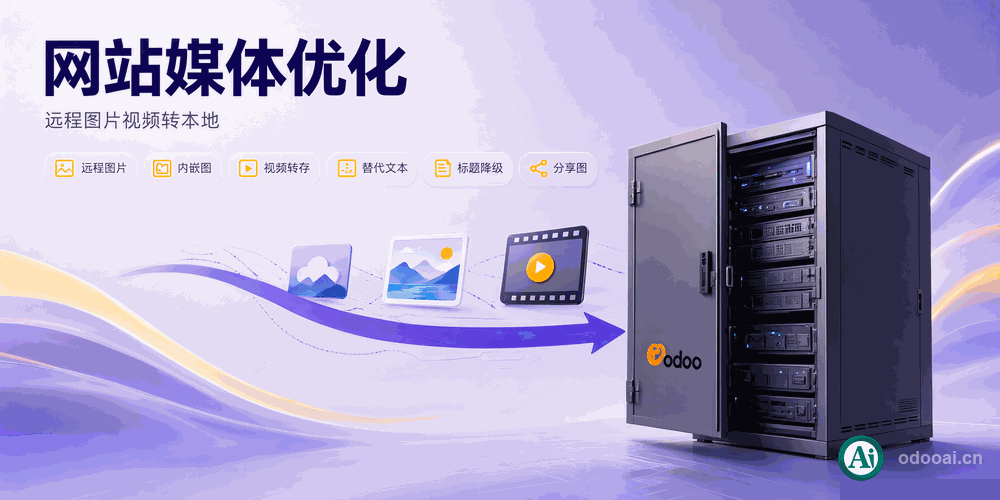
Pull every hot-linked image, inline base64 picture and remote video out of your website content and into Odoo's own attachment storage.
Run it on one record or in bulk from the list view, and let the module write the alt tags your SEO is missing.
Content copied from another site keeps pointing at that site. When the remote host goes down, blocks your CDN, or changes its URLs, the images and videos on your own pages disappear. This module downloads them into Odoo's attachment storage and rewrites the content to use the local file.
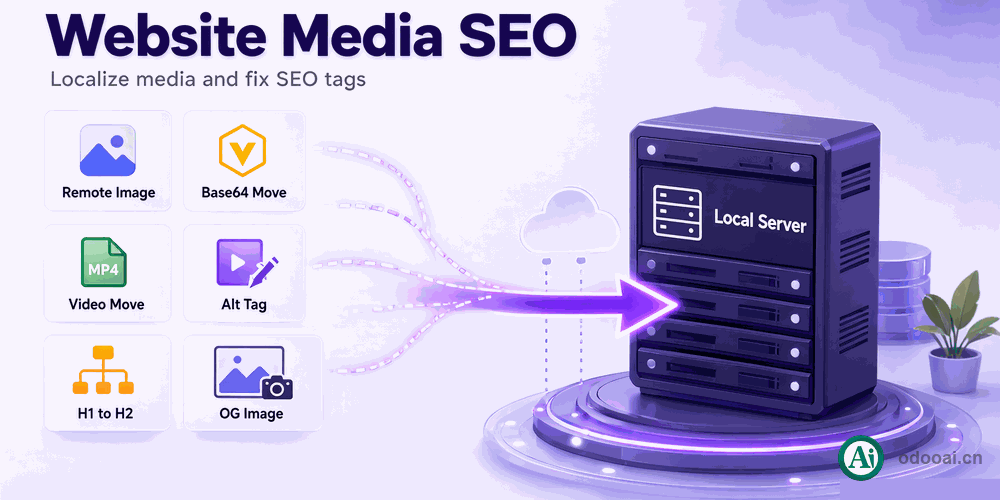
It runs on blog posts, website pages and the website description of product templates, and handles three source formats: remote http(s) images, inline data:image base64 pictures, and remote <video> sources. Alongside the download it does the cheap SEO work that is usually left undone — writing an alt attribute for every image that has none, demoting surplus h1 tags to h2, stripping duplicated id="footer" blocks, and resetting a social share image that no longer resolves. Every file it stores keeps its original remote URL, so a later re-sync is possible.
data:image sources bloat the content column; they become normal attachments and the tag is rewritten to the file URL./web/image/<id> link without a token gets a token generated on its attachment rather than being downloaded again.mb-2 class, on blog posts and product descriptions.div id="footer" copied in with pasted content is extracted from the record, so the page keeps only the real layout footer.<source> of a <video> tag is fetched and rewritten to /web/content/<id>?download=true.og:image still pointing at an old domain is replaced with the website's default social image, or cleared if there is none.Select records in the list view and run one server action.
Content stops depending on someone else's server. A notification reports how many media files moved, so you know whether anything was left behind.
The heading above each image becomes its alt text.
Empty alt attributes are the most common on-page SEO defect in migrated content, and the most tedious to fix by hand. This reads the surrounding structure instead of inventing filler.
Own domain, CDN domain and China video platforms are skipped.
Your already-local files are left alone, and bilibili or youku embeds stay remote — downloading them would break the player without saving anything.
Switch the setting from synchronous to asynchronous.
A single page downloads in front of you; a whole blog backlog is handed to queue jobs, so the browser is not waiting on hundreds of remote fetches.
Works with any language and company structure.
Odoo 18/17/16/15/14, Enterprise, Community and odoo.sh.
Python and XML, easy to audit and extend.
Install Ai Media on top of Website Blog. Actions appear on blog posts, website pages and products.
In Settings choose Synchronous or Asynchronous saving, and edit the China video URL filters per website.
Tick records in the list view, then run SEO: Image 2 Local, SEO: Video 2 Local or SEO: Product Website Description.
A notification reports images moved out of images found, and how many alt tags were added.
odooAi.cn — https://www.odooai.cn · Live Demo
| Version | 20.0, 19.0, 18.0, 17.0, 16.0 |