

Skip to Content
Product Icon

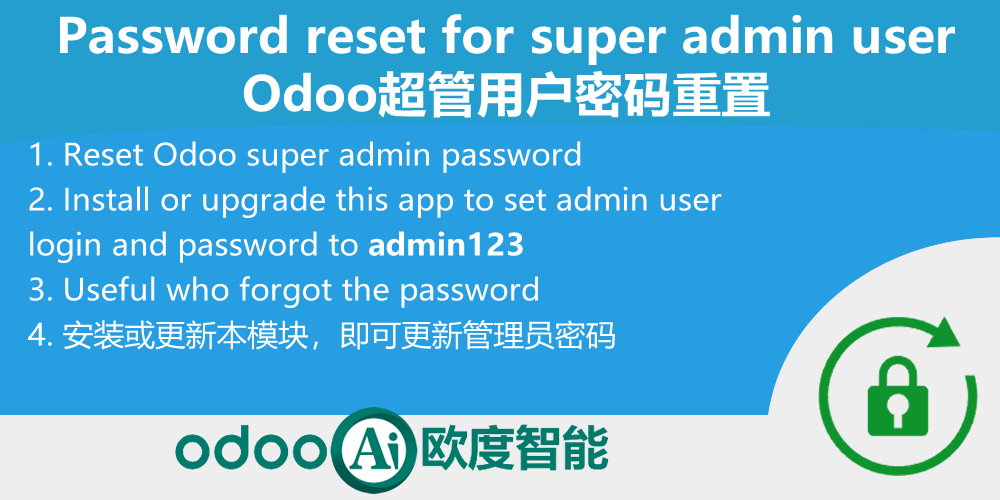
Password reset for super admin user.超管用户密码重置

Technical Name:
app_password_reset
License:
LGPL-3
Included Dependencies :
None
Lines of code:
18
Code Value:
¥ 2.16
Follow Odoo's public price policy, The code valuation is $12.00 per 100 line code. Here we only get code line of this app. Depends is included.
Here we only get code line of this app. Depends is included. Total line of Source Code. Including .py, .js, .css and xml file.
¥ 16.00 ¥ 16.00
Coupon: 中国区9折 会员赠积分 VIP专享
  • Version
App Icon

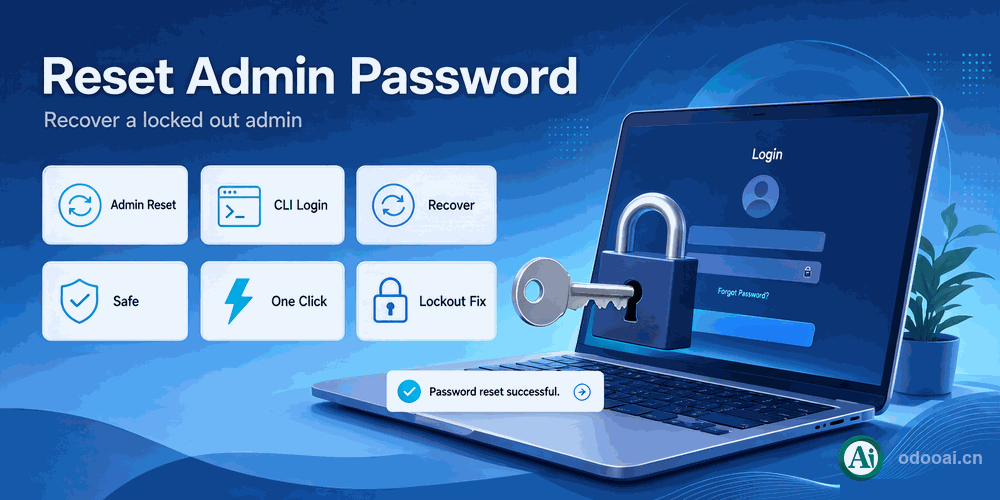
Password Reset for Super Admin

Reset the super admin to admin123 when the password is lost

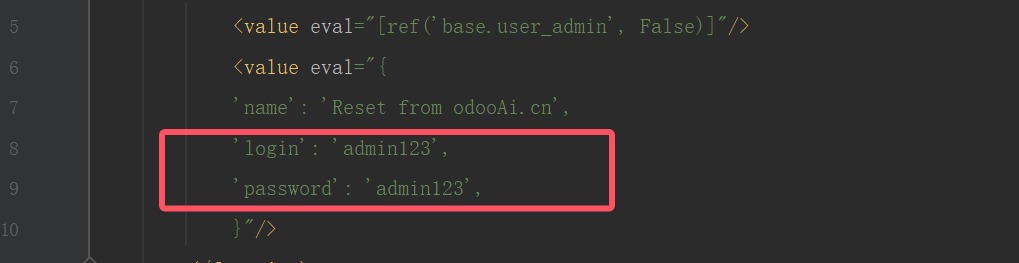
Install or upgrade the module to reset the administrator login and password to admin / admin123, or run it from the command line.

Odoo 20Enterprise & CommunityMulti-CompanyMulti-Language

Overview

When the Odoo administrator password is lost, the normal recovery flow depends on outgoing mail, which often fails in offline environments. This module resets the super admin to admin / admin123 on install or upgrade; change the password immediately after logging in. You can also trigger the reset from the command line with -i/-u app_password_reset, handy for development, testing and operations recovery.

Key Highlights

Reset the super admin to admin123 when the password is lost

1. One-Click Reset

Reset the administrator to admin / admin123 on install or upgrade

2. CLI Reset

Trigger the reset from the CLI with -i / -u

3. Offline Friendly

No mail dependency, suitable for offline and intranet environments

4. Change After Login

Useful for development, testing and operations recovery

Complete Feature List

Every capability included in this module

  • 1. Reset the administrator to admin / admin123 on install or upgrade
  • 2. Trigger the reset from the CLI with -i / -u
  • 3. No mail dependency, suitable for offline and intranet environments
  • 4. Useful for development, testing and operations recovery

General Features

Multi-Language & Multi-Company

Full multi-language translation and global deployment. Native multi-company with strict data isolation.

Full Version Support

Supports Odoo 20, 19, 18, 17, 16, 15, 14, 13, 12, Enterprise, Community and online SaaS.

Full Open Source

Open source under LGPL-3, transparent and auditable, ready for customization.

Screenshots

Key screens of the module

Administrator Login Dialog

Administrator Login Dialog

Reset Administrator Account

Reset Administrator Account

How It Works

Install or Upgrade

Log in with the Temporary Password

Change the Password Immediately

Supported & Dependent Modules

  • base
Banner

odooai.cn

Professional Odoo Solutions: Implementation, Consulting and Training

Website: www.odooai.cn

Demo: demo.odooapp.cn

Support: odoo@china.com

QR Code

Specifications

Version 20.0, 19.0, 18.0, 17.0, 16.0, 15.0, 14.0, 13.0, 12.0, 11.0