

Password reset for super admin user.超管用户密码重置
-
Version
Reset the super admin to admin123 when the password is lost
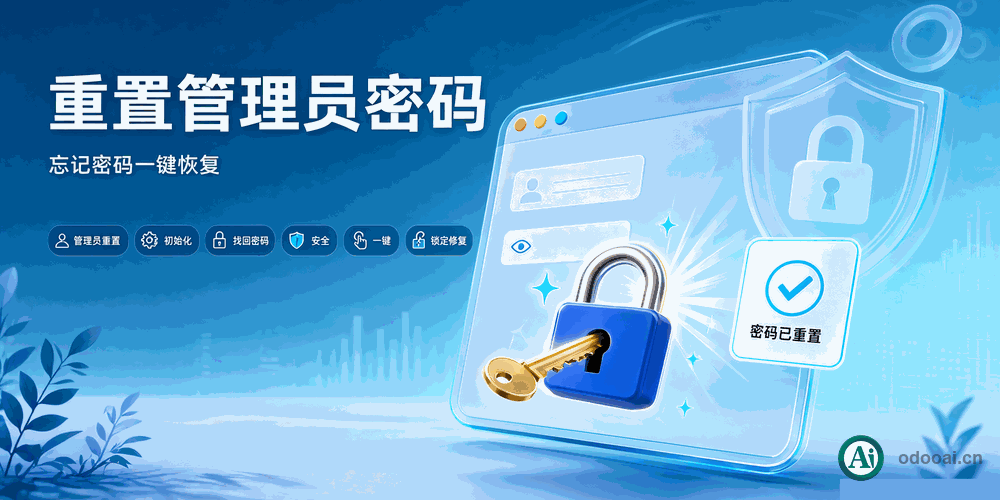
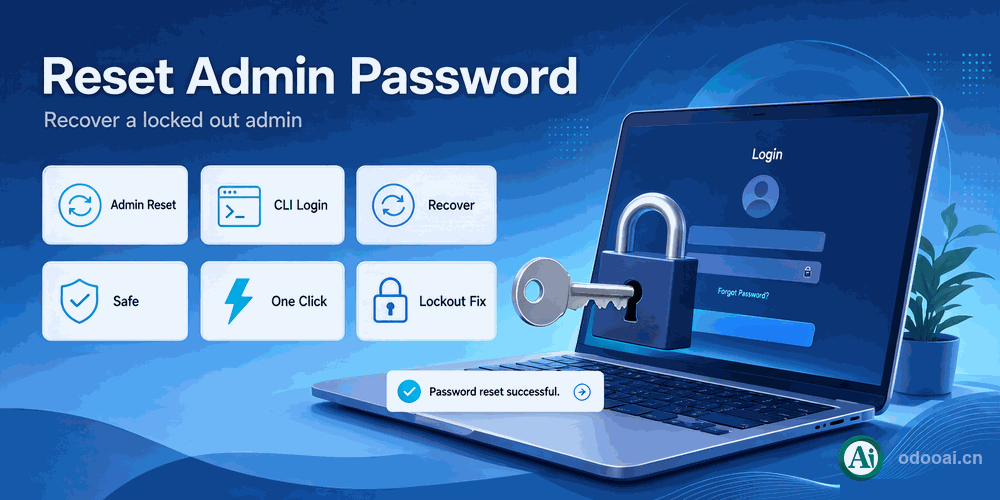
Install or upgrade the module to reset the administrator login and password to admin / admin123, or run it from the command line.
When the Odoo administrator password is lost, the normal recovery flow depends on outgoing mail, which often fails in offline environments. This module resets the super admin to admin / admin123 on install or upgrade; change the password immediately after logging in. You can also trigger the reset from the command line with -i/-u app_password_reset, handy for development, testing and operations recovery.
Reset the super admin to admin123 when the password is lost
Reset the administrator to admin / admin123 on install or upgrade
Trigger the reset from the CLI with -i / -u
No mail dependency, suitable for offline and intranet environments
Useful for development, testing and operations recovery
Every capability included in this module
Full multi-language translation and global deployment. Native multi-company with strict data isolation.
Supports Odoo 20, 19, 18, 17, 16, 15, 14, 13, 12, Enterprise, Community and online SaaS.
Open source under LGPL-3, transparent and auditable, ready for customization.
Key screens of the module
Install or Upgrade
Log in with the Temporary Password
Change the Password Immediately
Professional Odoo Solutions: Implementation, Consulting and Training
| Version | 20.0, 19.0, 18.0, 17.0, 16.0, 15.0, 14.0, 13.0, 12.0, 11.0 |