
Purchase Product Configurator and Matrix-产品矩阵与配置器采购下单
-
Version
Pick variants on a purchase order line through a configurator or matrix
Brings the sales-side configurator to purchasing.
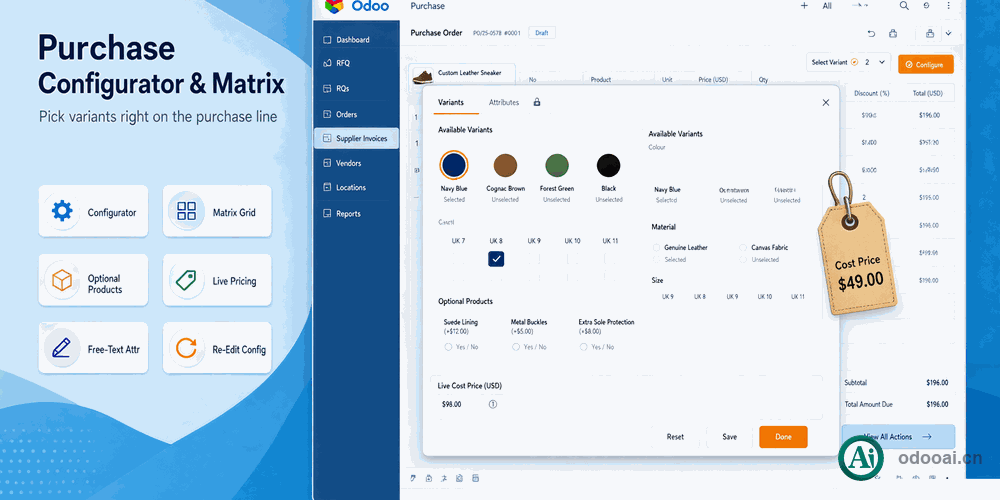
Each product chooses a configurator or a matrix mode; selecting it on a purchase line opens a dialog where attributes render as colour swatches, radio buttons, checkboxes, pills or a select.
Brings the sales-side configurator to purchasing. Each product chooses a configurator or a matrix mode; selecting it on a purchase line opens a dialog where attributes render as colour swatches, radio buttons, checkboxes, pills or a select. Dynamic attributes create the variant only on confirm, impossible combinations are greyed out, optional products can be added as separate lines, and the price is computed from the product cost while quantities change.
Matrix mode builds on purchase_product_matrix; Odoo Enterprise required.
What this module changes in daily work
Pick variants in place
Choosing a configurable product on a purchase line opens the selection dialog instead of requiring pre-built variants.
Bulk variant entry
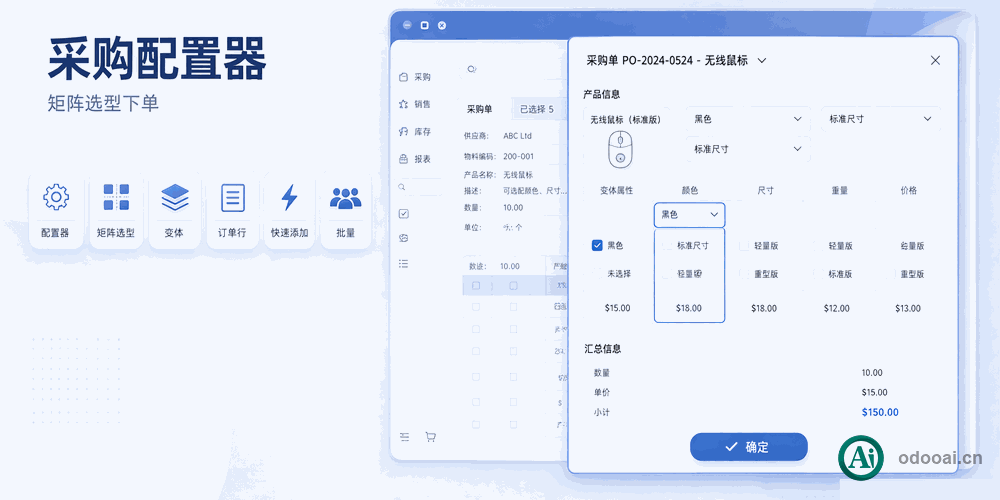
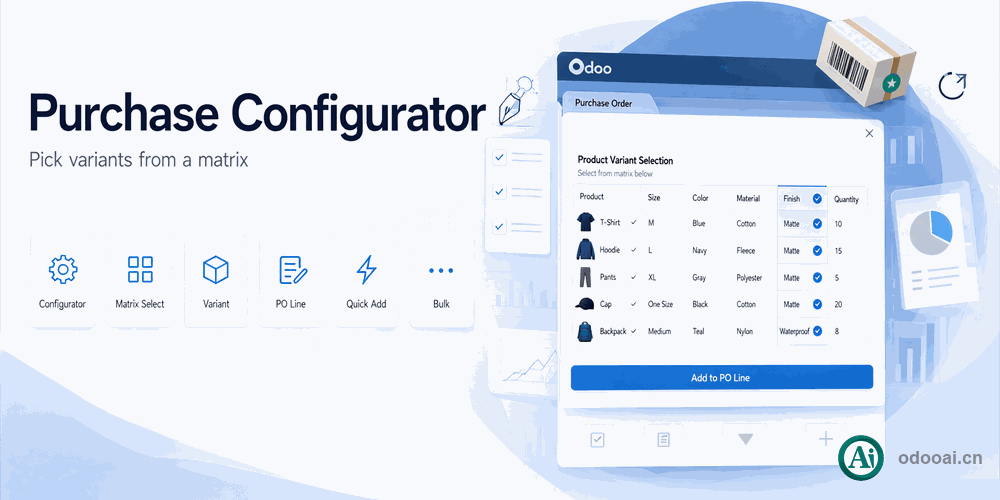
With matrix mode the purchase order keeps the SKU grid so several variants are ordered at once.
Buy accessories together
Optional products are listed in the dialog and become their own lines when ticked.
Cost based
Quantity changes refresh unit price and total; purchasing sees cost, not sales price.
Order without a variant
Attributes can stay free text, so non-standard specifications are ordered and kept on the line description.
Adjust placed lines
Placed lines reopen the configurator, and changes update both the variant and the line description.
Full multi-language translation support for global deployments. Native multi-company architecture with strict data isolation.
Works with Odoo 19,18,17,16,15,14,13,12, EE/CE/.SH, compatible with Enterprise, Community and Odoo Online SaaS.
Released under LGPL-3. Transparent, auditable code, open for further development and customization.
Set the purchase mode
Configurator or matrix
Pick the product
Dialog opens
Confirm the configuration
Variant created and added
Re-edit if needed
Adjust the specification
Professional Odoo Solutions: Development, Implementation, Consulting & Training
| Version | 20.0, 18.0 |