



Skip to Content
Product Icon

Report Direct Print and Preview. PoS direct print to local printer. Silent Print without Download

Technical Name:
app_report_direct_print
License:
OPL-1
Included Dependencies :
None
Lines of code:
416
Code Value:
¥ 49.92
Follow Odoo's public price policy, The code valuation is $12.00 per 100 line code. Here we only get code line of this app. Depends is included.
Here we only get code line of this app. Depends is included. Total line of Source Code. Including .py, .js, .css and xml file.
¥ 68.00 ¥ 68.00
Coupon: 中国区9折 会员赠积分 VIP专享
31
  • Version
App Icon

报表直接打印与预览 / Report Direct Print and Preview

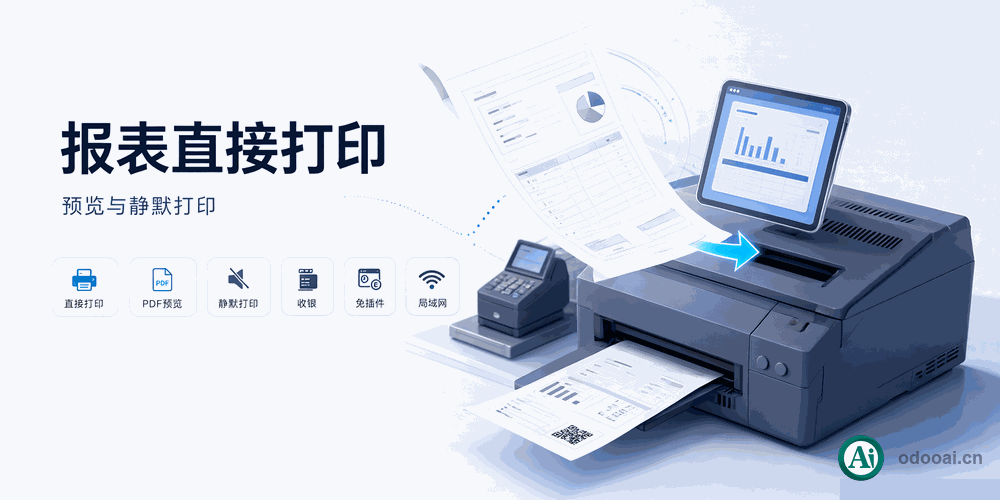
直接打印、PDF预览、静默打印,无需第三方软件

一键直接打印至本地打印机,支持POS收银和静默打印
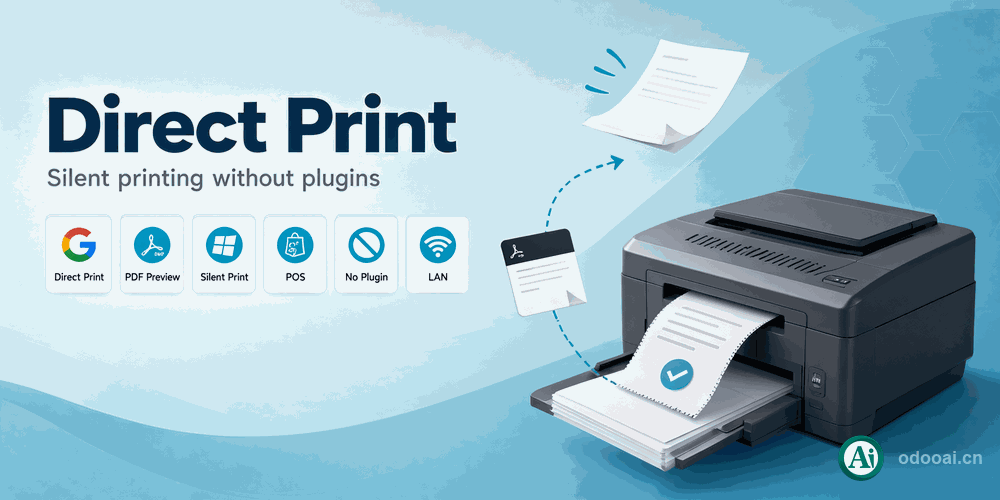
Direct print to local printer, PDF preview, silent print for POS without 3rd-party tools

Odoo 18 企业版与社区版 / Enterprise & Community 多公司 / Multi-Company 多语言 / Multi-Language

功能概述 / Overview

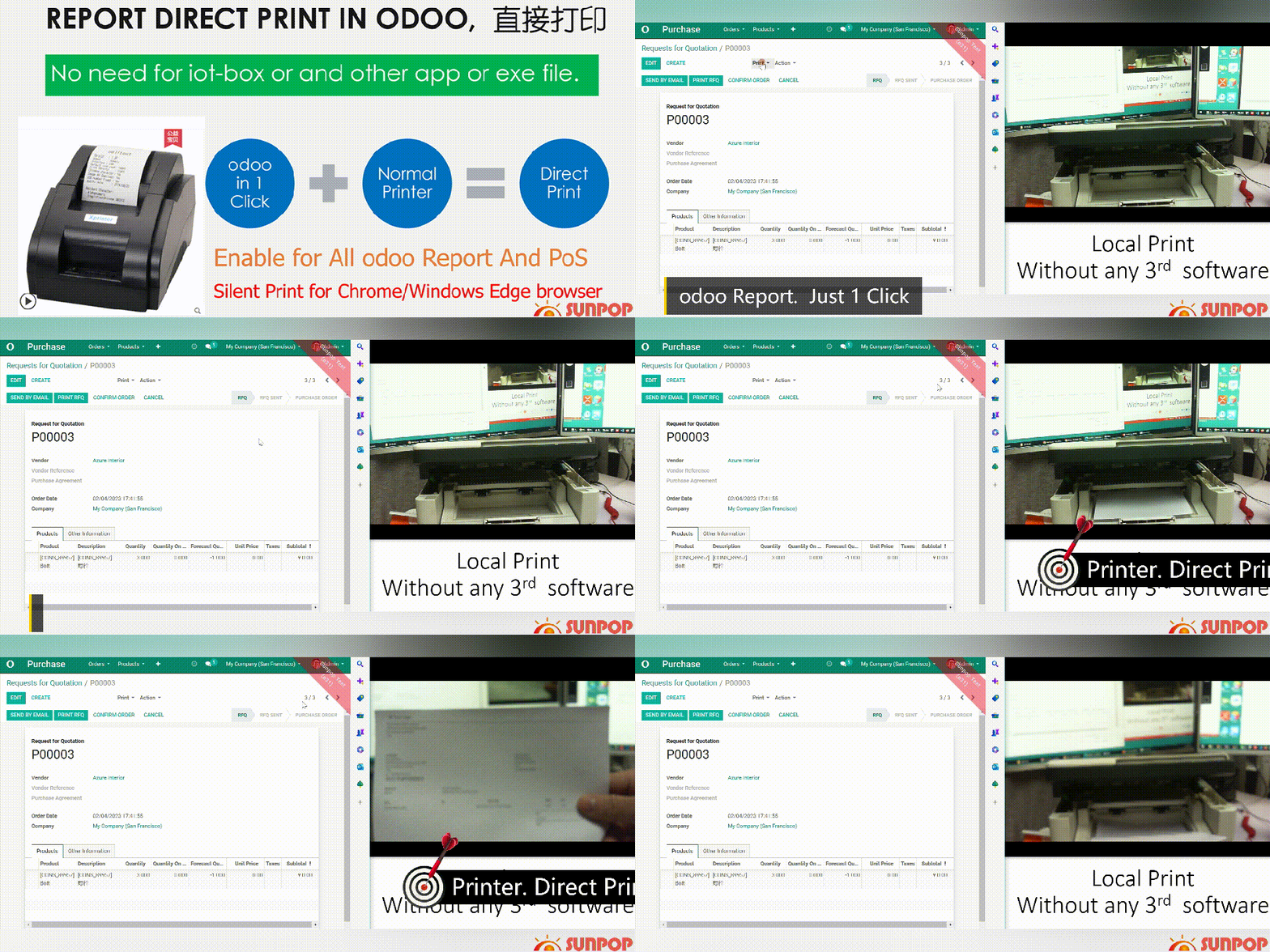
Odoo报表直接打印解决方案,支持直接打印到本地打印机(USB、WiFi、网络、蓝牙),无需PrintNode等第三方打印云服务或IoT Box。支持Chrome和Edge浏览器的静默打印(Kiosk模式),支持POS收银打印和PDF预览。

Direct printing solution for Odoo reports. Print to any local printer without PrintNode, cloud services, or IoT box. Supports Chrome/Edge silent print (kiosk mode), POS printing, and PDF preview dialog.

完整功能列表 / Complete Feature List

  • 1. 直接打印报表至本地打印机(USB、WiFi、网络、蓝牙)
    Direct print Odoo reports to any local printer (USB, WiFi, network, Bluetooth).
  • 2. 即装即用,无需第三方软件,无需打印云服务或IoT Box
    Install and use immediately. No 3rd-party software. No PrintNode or cloud service. No IoT box.
  • 3. 静默打印,Chrome和Edge浏览器一键打印,支持Kiosk模式
    Silent print. One-click printing in Chrome or Edge browser. Kiosk mode supported.
  • 4. 支持POS收银打印,支持所有Odoo报表(销售、采购、库存等)
    POS support. All Odoo reports supported including sale, purchase, stock.
  • 5. 可配置打印模式:下载或预览后打印
    Configurable print mode: download or preview report before printing.

核心亮点 / Key Highlights

无需第三方软件的直接打印方案

1. 直接打印 / Direct Print

Any local printer

支持USB、WiFi、网络、蓝牙等本地打印机

2. 静默打印 / Silent Print

One-click, kiosk mode

Chrome/Edge一键静默打印,Kiosk模式支持

3. POS收银打印 / POS Support

Point of sale printing

支持POS收银机小票打印

4. PDF预览 / PDF Preview

Preview before print

PDF报表预览对话框,支持打印和下载

5. 无需第三方软件 / No 3rd-Party

No PrintNode, no IoT box

即装即用,无需订阅打印云服务或IoT设备

6. 可配置模式 / Configurable

Download or preview

可配置为下载模式或预览打印模式

通用特性 / General Features

多语言与多公司
Multi-Language & Multi-Company

完整的多语言翻译支持,适配全球化企业部署。原生多公司架构,数据严格隔离。

全版本兼容
Full Version Support

支持 Odoo 19, 18, 17, 16, 15, 14, 13, 12,EE/CE/.SH,兼容企业版、社区版及在线 SaaS。

代码完全开源
Full Open Source

基于 LGPL-3 协议开源,代码透明可审计,支持二次开发与定制。

界面截图 / Screenshots

核心功能界面一览

配置打印模式 / Setup Print Mode

Print Mode Setup

PDF报表预览模式 / PDF Preview Mode

PDF Preview

HTML报表直接打印 / HTML Report Direct Print

HTML Print

直接打印调用 / Direct Print Action

Direct Print

Chrome静默打印设置 / Chrome Silent Print Setup

Chrome Setup

Chrome快捷方式Kiosk模式 / Chrome Shortcut Kiosk Mode

Chrome Kiosk

POS自动打印设置 / POS Auto Print Setup

POS Print Setup

使用流程 / How It Works

安装模块

Install Module

配置模式

Configure Mode

一键打印

One-Click Print

完成

Done

支持与依赖模块 / Supported & Dependent Modules

  • Web / 基础Web模块
  • Base Setup / 基础设置
Banner

odooai.cn

专业Odoo服务伙伴-开发实施咨询培训全套解决方案 / Professional Odoo Solutions

Website: www.odooai.cn

Demo: demo.odooapp.cn

Support: odoo@china.com

QR Code

Specifications

Version 20.0, 19.0, 18.0, 17.0, 16.0, 15.0, 14.0, 13.0, 12.0