
Skip to Content
Product Icon

Easy Import Export. Import by key field, like code, ref

Technical Name:
app_base_import_export
License:
LGPL-3
Included Dependencies :
None
Lines of code:
327
Code Value:
¥ 39.24
Follow Odoo's public price policy, The code valuation is $12.00 per 100 line code. Here we only get code line of this app. Depends is included.
Here we only get code line of this app. Depends is included. Total line of Source Code. Including .py, .js, .css and xml file.
¥ 128.00 ¥ 128.00
Coupon: 中国区9折 会员赠积分 VIP专享
6
  • Version
App Icon

按关键字段导入导出 / Easy Import Export

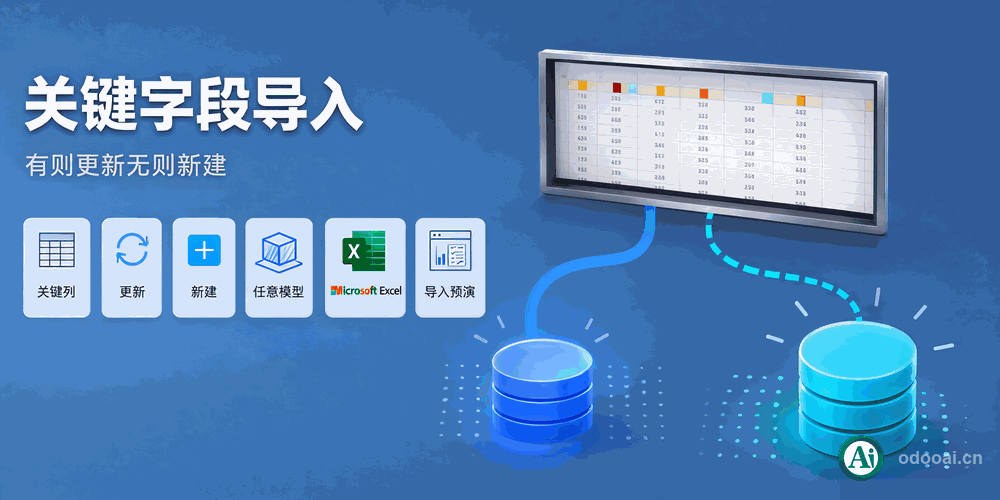
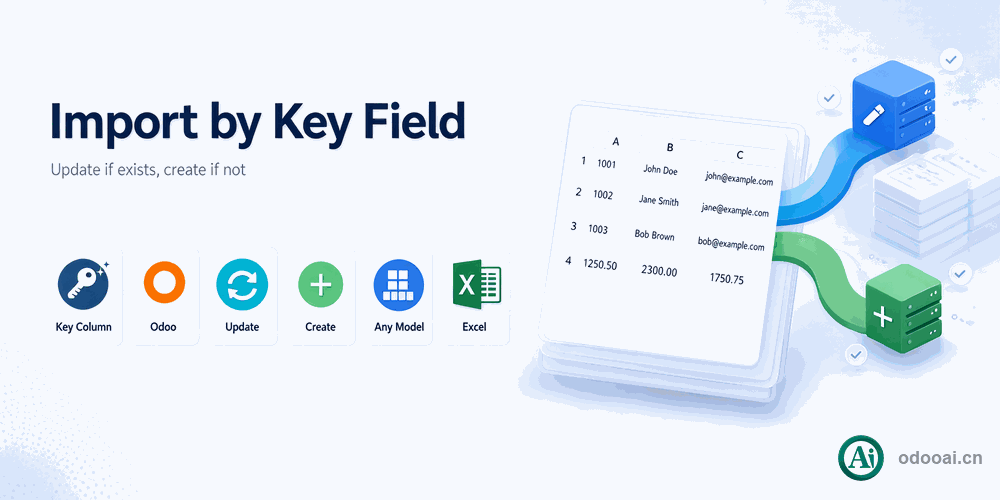
按第一列关键字段更新导入任意数据,有则更新、无则新建。Import & update any data by key field.

勾选 "Update Import with Key Field = First Column.",以导入文件第一列为唯一索引查找已有记录——有则更新、无则新建,彻底告别重复数据。
Check "Update Import with Key Field = First Column." to use the first column as the unique key: update existing records, create missing ones automatically.

Odoo 18 企业版与社区版 / Enterprise & Community 多公司 / Multi-Company 多语言 / Multi-Language

功能概述 / Overview

本模块在 Odoo 原生导入基础上增强:以关键字段(如客户编码、产品条码、销售订单号)完成数据的更新式导入。查找已有记录时,除关键字段外,有默认值的字段与发起导入的 action domain 也一并作为搜索限制,确保在多公司、多类型数据环境下精确定位;导入文件含 id 列时自动走原生按 id 更新。整个过程逐行容错,错误行自动跳过、正确行照常导入。

This module enhances the native Odoo import with key-field based upsert: use the first column as the unique key to find existing records - update if found, create if not. Fields with default values and the action domain are also used as search constraints for precise matching in multi-company environments. When the file contains an id/.id column, the native id-based update is used automatically. Row-level fault tolerance skips error rows while valid rows keep importing.

完整功能列表 / Complete Feature List

按关键字段导入与更新 / Import & update any data by key field

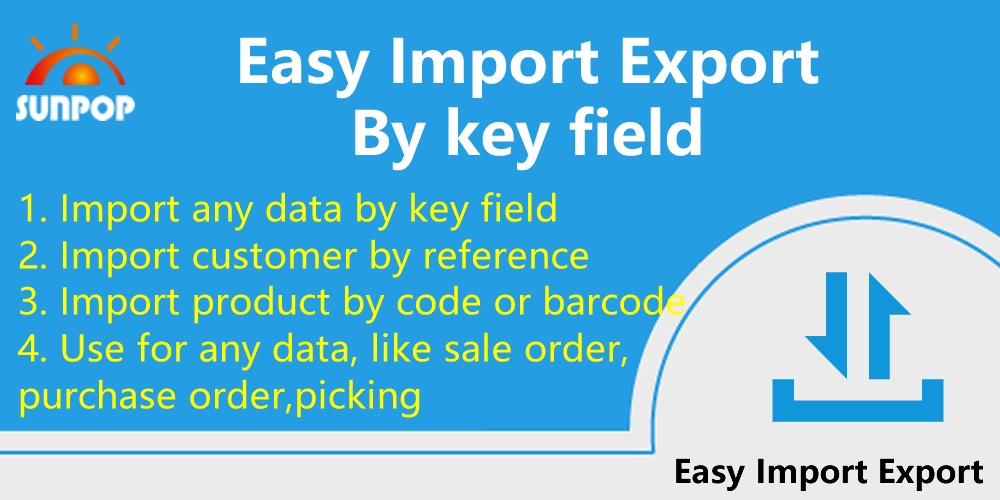
  • 1. 按关键字段导入任意数据
    Import any data by key field
  • 2. 按引用导入客户
    Import customer by reference
  • 3. 按编码或条码导入产品
    Import product by code or barcode
  • 4. 适用于任意数据,如销售订单、采购订单、拣货
    Use for any data, like sale order, purchase order, picking
  • 11. 多语言支持
    Multi-language Support
  • 12. 多公司支持
    Multi-Company Support
  • 13. 支持 Odoo 16, 15, 14, 13, 12, 11 企业版与社区版
    Support Odoo 16, 15, 14, 13, 12, 11, Enterprise and Community Edition

核心亮点 / Key Highlights

关键字段更新导入,重复数据一去不返 / No more duplicate data with key-field upsert

1. 按关键字段更新导入 / Update Import by Key Field

First column as unique key, update if exists, create if not

勾选后以第一列为唯一索引查找已有记录,有则更新、无则新建,重复导入不再产生重复数据。

2. 按引用导入客户 / Import Customer by Reference

Match customers by ref / partner_ref

客户主数据按引用编码批量更新导入,保持与外部系统一致的客户标识。

3. 按编码条码导入产品 / Import Product by Code or Barcode

Match products by code / barcode / default_code

产品资料按内部编码或条码批量更新,价格、分类等字段随文件同步刷新。

4. 默认值与域限定搜索 / Default Values & Domain Search

Default-value fields and action domain join the search

查找已有记录时叠加有默认值的字段与 action domain 条件,多公司/多类型环境下精确定位。

5. id 列原生更新 / Native ID Update

File with id/.id column falls back to native update

导入文件含 id/.id 列时自动走原生按 id 更新逻辑,兼容 Odoo 导出文件直接回导。

6. 逐行自动容错 / Row-Level Fault Tolerance

Skip error rows, keep importing valid rows

错误数据行自动跳过并记录,正确行继续导入,大批量数据导入不再因个别行中断。

7. 关系字段关键子字段 / Relational Key Subfield Match

Match many2one/many2many by ref, code, barcode

销售员、客户等关系字段可直接按 ref/code/barcode 子字段匹配,无需先查数据库 id。

8. 导出自动带 id 列 / Export with ID Column

Excel export always includes the id column

导出 Excel 自动包含 id 列,配合本模块可直接回导更新,导出导入形成闭环。

通用特性 / General Features

多语言与多公司
Multi-Language & Multi-Company

完整的多语言翻译支持,适配全球化企业部署。原生多公司架构,数据严格隔离。

全版本兼容
Full Version Support

支持 Odoo 19,18,17,16,15,14,13,12,EE/CE/.SH,兼容企业版、社区版及在线 SaaS。

代码完全开源
Full Open Source

基于 LGPL-3 协议开源,代码透明可审计,支持二次开发与定制。

界面截图 / Screenshots

按关键字段更新导入实操演示 / Live demo of key-field import

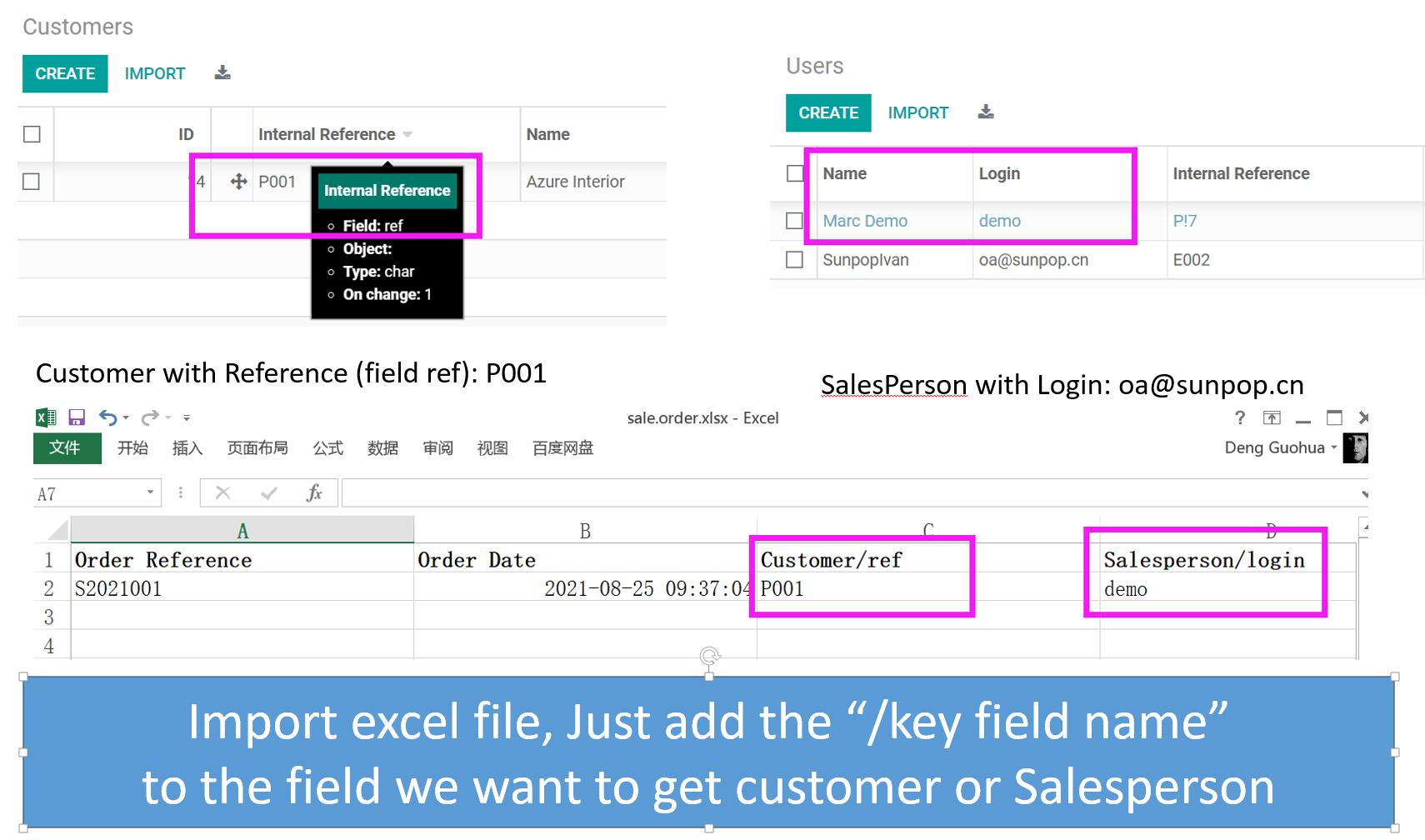
按客户编码和业务员编码导入销售订单 / Import sale order with customer code and sales person code

Import sale order with customer code and sales person code

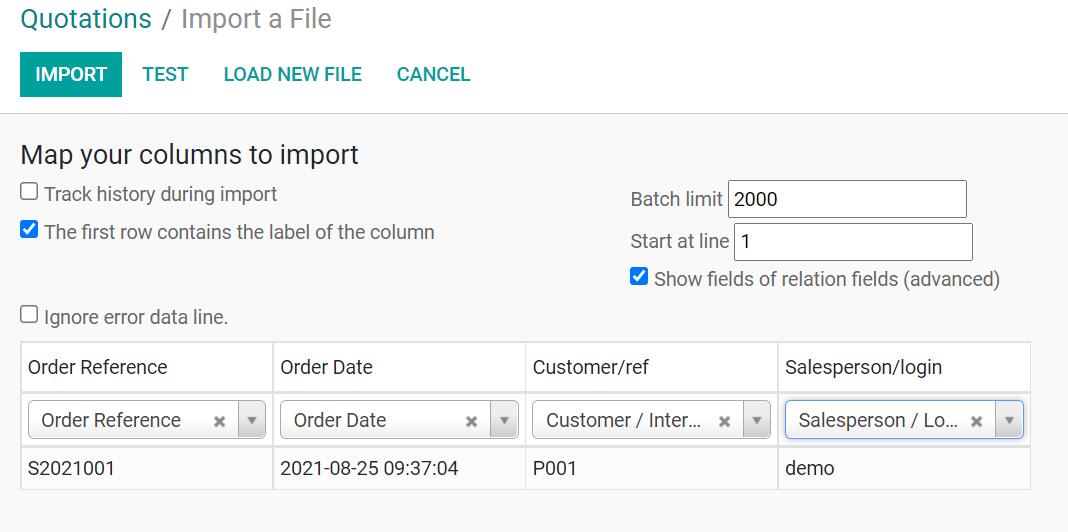
像普通导入一样操作,现已支持关键字段 / Import sale order like as normal import. Support key field now.

Import sale order like as normal import. Support key field now.

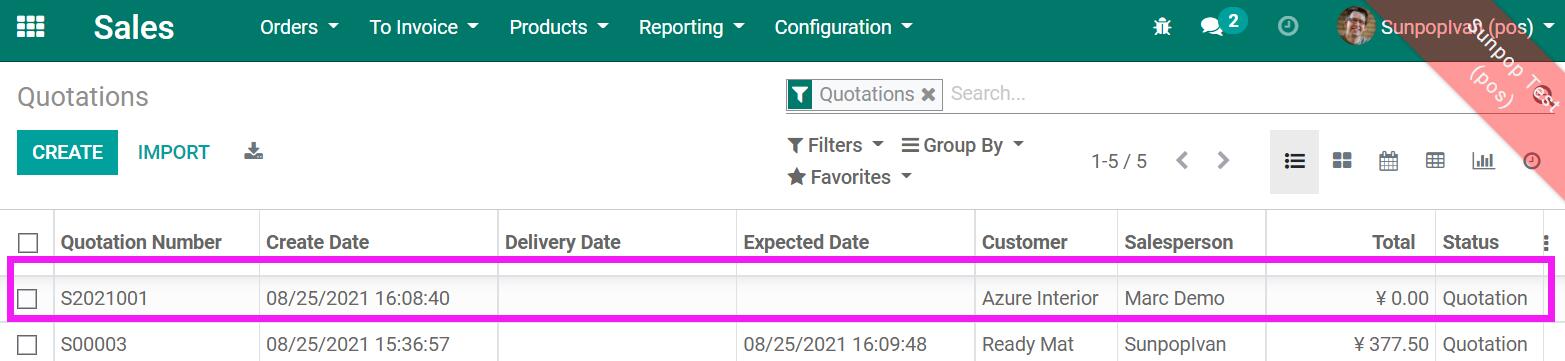
导入完成,得到所需的销售订单数据 / After import, get sale order with data we need.

After import, get sale order with data we need.

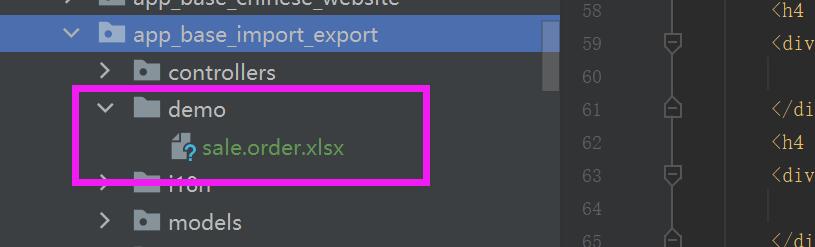
在 demo 目录获取示例文件 / Get sample file in demo dir

Get sample file in demo dir

使用流程 / How It Works

准备数据文件

Prepare Data File

映射字段列

Map Columns

勾选关键字段更新

Enable Key Update

测试并导入

Test & Import

准备好含关键字段列的数据文件 → 上传并映射字段 → 勾选 "Update Import with Key Field = First Column." → 测试无误后导入,已有记录自动更新、缺失记录自动新建。

支持与依赖模块 / Supported & Dependent Modules

  • 基础导入 / Base Import
  • Odoo Web 核心 / Odoo Web Core
Banner

odooai.cn

专业Odoo服务伙伴-开发实施咨询培训全套解决方案 / Professional Odoo Solutions

Website: www.odooai.cn

Demo: demo.odooapp.cn

Support: odoo@china.com

QR Code

Specifications

Version 20.0, 19.0, 18.0, 17.0, 16.0, 15.0, 14.0, 13.0