

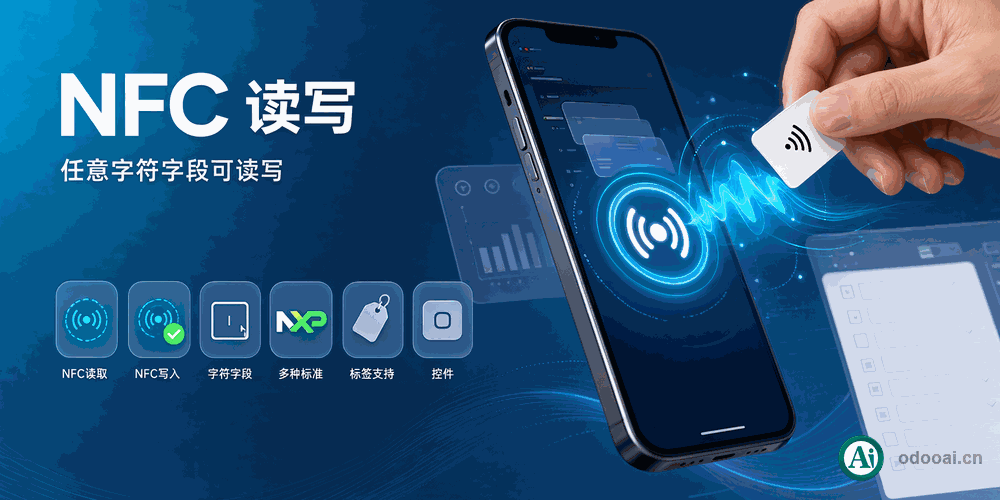
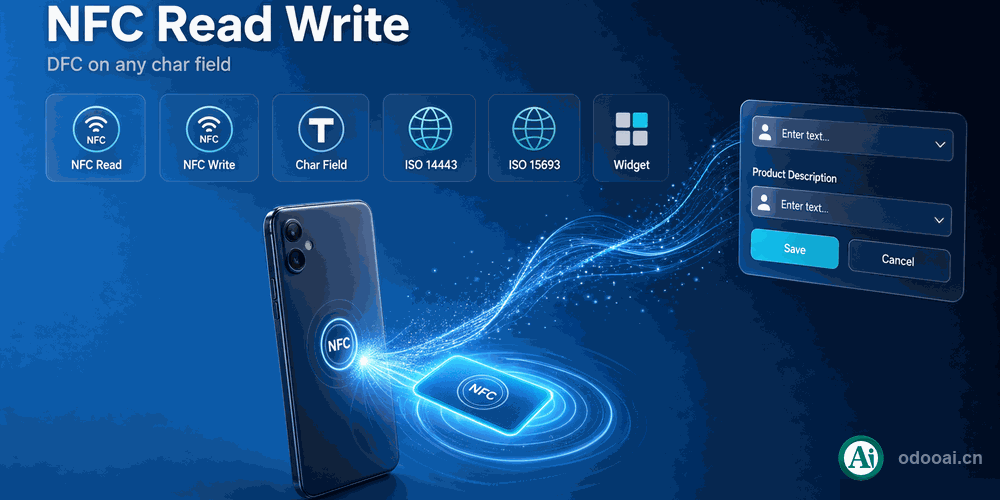
NFC reader writer, nfc rfid support with product nfc
-
Version
NFC read/write support for any Odoo char field
Add widget="nfc_char" to any char field and start reading and writing NFC tags.
Works in any app, with various NFC standards support.
This module adds an NFC char field widget to Odoo. Any char field can gain Write, Read and Abort buttons next to its input. Reading fills the field with the tag serial number (or NDEF text data), writing sends the current field value to the tag. The widget is based on the standard Web NFC API and works on Chrome V89+ and Android 10+.
A demo view enables NFC read/write on the product barcode field out of the box.
One widget, any char field
Serial number or NDEF text
Read fills the field with the tag serial number or decoded NDEF text records; write sends the current field value to the tag, with success and error notifications.
nfcw / nfcr / nfcr_auto / nfcr_data
Control which buttons appear, start reading automatically when the form opens, and choose between serial number and NDEF data.
Barcode field ready to use
The product form barcode field comes with NFC read/write enabled, so you can try the hardware flow right after install.
Full multi-language translation support for global deployments. Native multi-company architecture with strict data isolation.
Works with Odoo 19,18,17,16,15,14,13,12, EE/CE/.SH, compatible with Enterprise, Community and Odoo Online SaaS.
Released under LGPL-3. Transparent, auditable code, open for further development and customization.
Install
Install module and open any enabled field
Read
Put the tag on the reader, field fills automatically
Write
Put the tag on the writer, current value is sent
Save
Store the NFC value like any normal field
Professional Odoo Solutions: Development, Implementation, Consulting & Training
| Version | 20.0, 19.0, 18.0, 17.0, 16.0, 15.0, 14.0, 13.0, 12.0 |