
Product HSCode Harmonized System Code.全球hscode标准海关编码管理
-
Version
Manage HS codes with international and local names across sales, purchase, invoices and reports
Build an HS code library, search products by code or name, and print HS codes on sales, purchase and invoice documents.
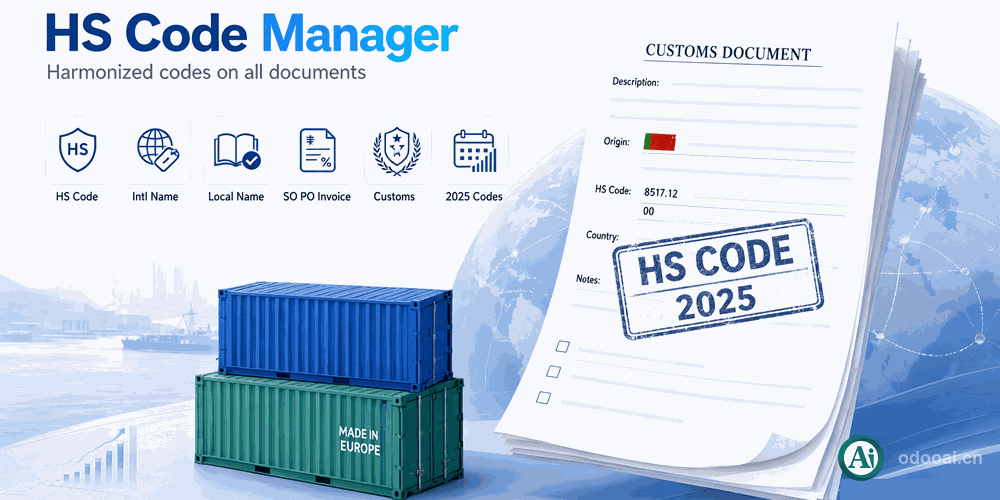
This module standardizes HS code management: code, international name and local name in one place, with quick product lookup by code in products, sales orders and purchase orders. HS codes can be shown and printed on sales orders, purchase orders, invoices and their reports. Product categories can define a default code that all products in the category inherit, reducing manual entry. Recent China customs code data is included, suited to import/export and customs declaration.
Manage HS codes with international and local names across sales, purchase, invoices and reports
Manage international HS codes including code, international name and local name
Quick product search by HS code in products, sales and purchase orders
Show HS codes on sales orders and sales reports
Show HS codes on purchase orders and purchase reports
Show HS codes on invoices and invoice reports
Set a default HS code per product category and inherit it
Every capability included in this module
Full multi-language translation and global deployment. Native multi-company with strict data isolation.
Supports Odoo 20, 19, 18, 17, 16, 15, 14, 13, 12, Enterprise, Community and online SaaS.
Open source under LGPL-3, transparent and auditable, ready for customization.
Key screens of the module
Install Module
Import HS Codes
Set Category Defaults
Print on Documents
Professional Odoo Solutions: Implementation, Consulting and Training
| Version | 20.0, 19.0, 18.0, 17.0, 16.0 |