

Sale Customized Product ETO.定制单品销售管理
-
Version
Turn per-line custom values into a real SKU on order confirmation
Built for engineer-to-order sales.
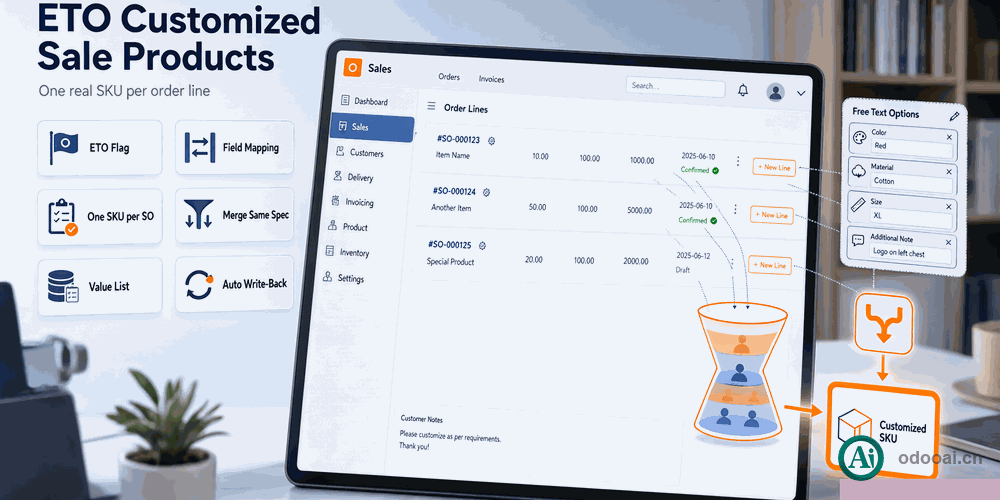
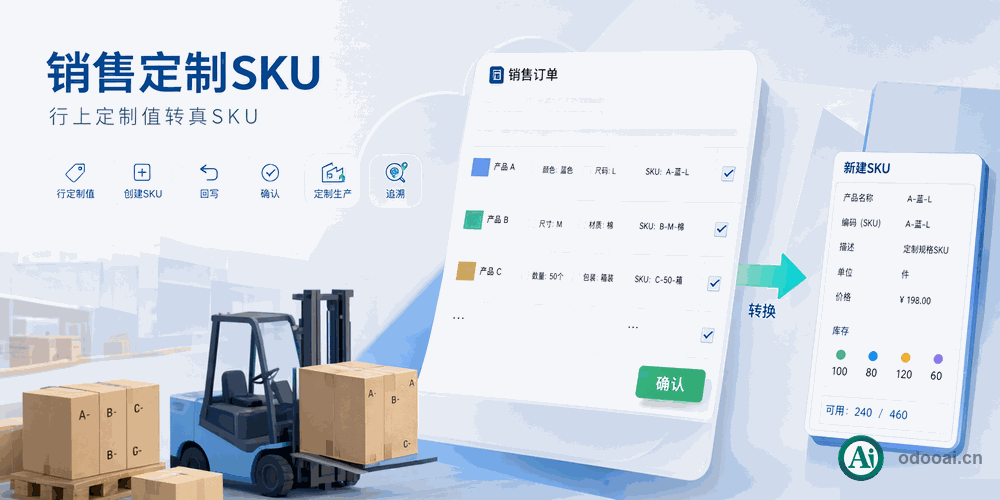
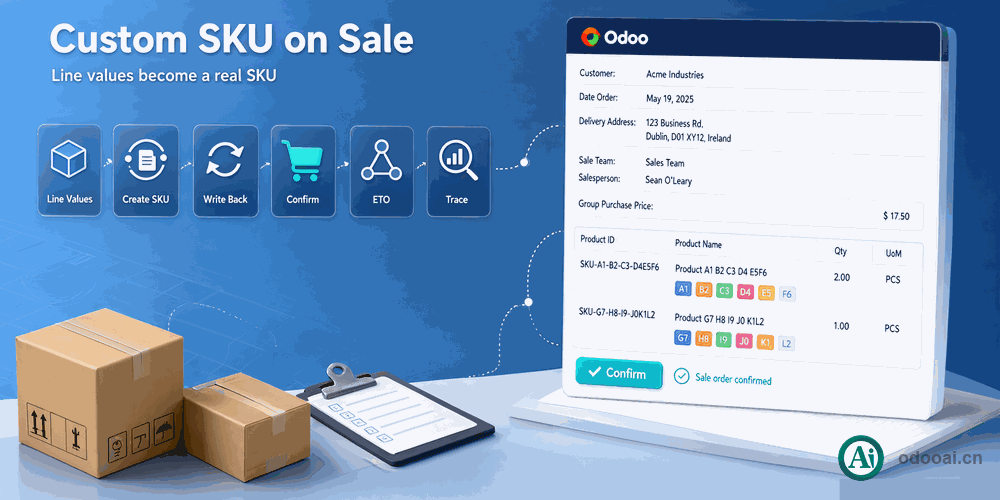
Mark a product as customized, map its dynamic attributes to SKU fields, and the free-text values typed on the sale line become a real SKU when the order is confirmed, with the values written into the mapped fields.
Built for engineer-to-order sales. Mark a product as customized, map its dynamic attributes to SKU fields, and the free-text values typed on the sale line become a real SKU when the order is confirmed, with the values written into the mapped fields. A per-company setting chooses whether each order creates a new SKU, merges into an existing same-specification SKU, or creates none. A custom value list filters by order, line and customized SKU.
Manufacturing orders stay in draft after confirmation so the ETO BoM can still be adjusted.
What this module changes in daily work
One switch per product
Flagging a product as customized sends its sale lines through the ETO flow without touching standard products.
Values land in SKU fields
Each attribute targets a char, integer or float field on the SKU, and a field can only be used once.
Isolated per order
A dedicated SKU is created per line with the order line in its combination key, so specifications never mix.
Reuse identical specs
Merge mode searches for an existing SKU with the same attribute values and reuses it.
Filter by order and line
The customized value list filters and groups by sale order, order line and customized SKU.
MO stays draft
Confirming the order does not auto-confirm the manufacturing order, leaving room to set the custom BoM.
Full multi-language translation support for global deployments. Native multi-company architecture with strict data isolation.
Works with Odoo 19,18,17,16,15,14,13,12, EE/CE/.SH, compatible with Enterprise, Community and Odoo Online SaaS.
Released under LGPL-3. Transparent, auditable code, open for further development and customization.
Flag the product
Enable and set dynamic attributes
Fill custom values
Free text on the sale line
Confirm the order
SKU created or reused
Configure the BoM
MO waits in draft
Professional Odoo Solutions: Development, Implementation, Consulting & Training
| Version | 20.0, 18.0 |