

跳至内容
产品图标

任意对象模型记录批量编辑设置-Mass Edit with easy 1 click button

技术名称:
app_mass_edit
许可协议:
OPL-1
代码行数:
12,152
代码估值:
¥ 1,458.24
计价方法遵循Odoo官方的公开价格政策,代码估值为每100行代码12.00美元。
代码总行数统计包括了 .py, .js, .css and xml 文件。不包含Odoo原生代码和import的代码。
演示地址:
¥ 38.00 ¥ 38.00
优惠: 中国区9折 会员赠积分 VIP专享
31
  • 版本
App Icon

批量编辑

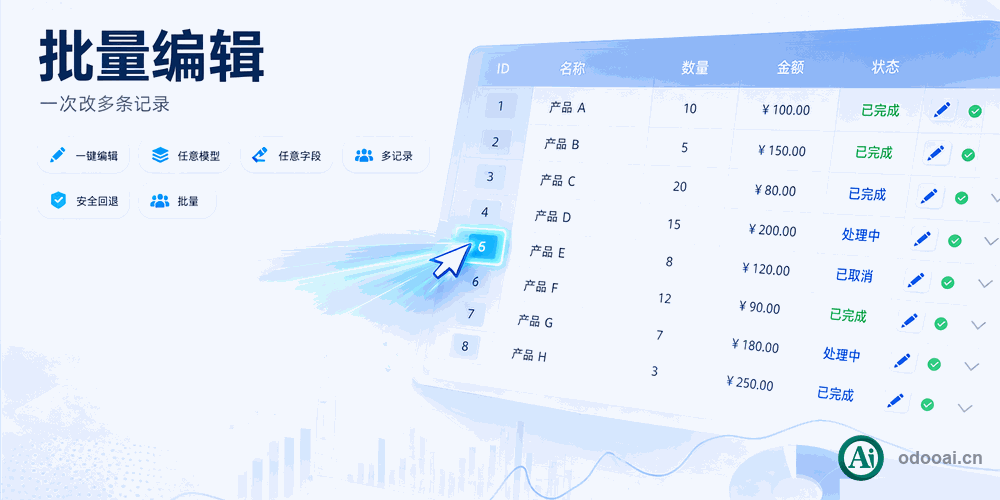
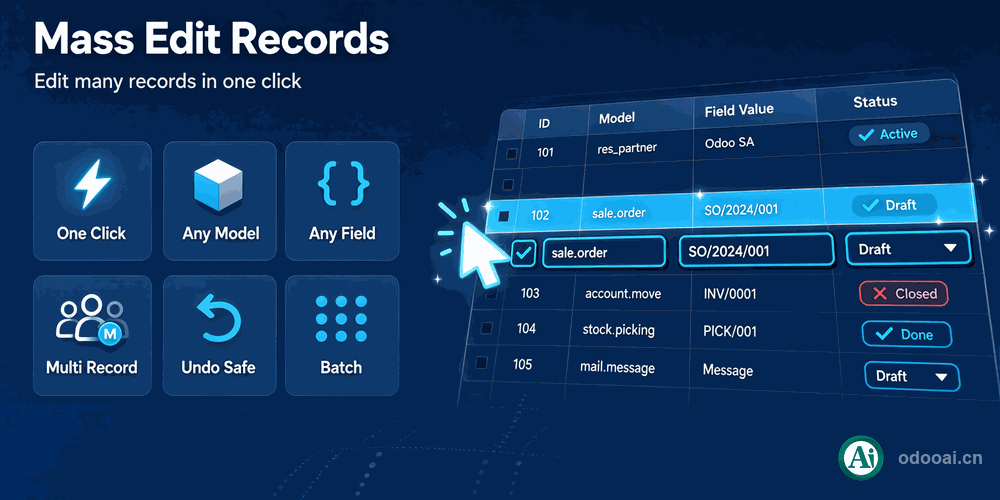
一键批量编辑多条记录,支持所有模型和字段

高效的批量数据编辑工具,一键修改多条记录

Odoo 18 企业版与社区版 多公司 多语言

功能概述

一键批量编辑Odoo中任意模型和字段的数据。支持对所有应用、所有模型、所有字段进行批量设置,也可一键批量清空多记录的值。

完整功能列表

  • 1. 一键批量更新记录
  • 2. 可定制化Odoo各应用、各模型、各字段(不支持one2many字段)
  • 3. 一键批量清空多记录的值
  • 4. 多语言支持
  • 5. 多公司支持
  • 6. 支持 Odoo 19,18,17,16,15,14,13,12 企业版和社区版

核心亮点

一键批量操作,告别重复劳动

1. 一键批量编辑

一键批量更新多条记录,无需逐条修改

2. 全模型全字段

支持所有应用、所有模型、所有字段的批量编辑配置

3. 一键批量清空

一键清空多条记录的字段值

通用特性

多语言与多公司

完整的多语言翻译支持,适配全球化企业部署。原生多公司架构,数据严格隔离。

全版本兼容

支持 Odoo 19, 18, 17, 16, 15, 14, 13, 12,EE/CE/.SH,兼容企业版、社区版及在线 SaaS。

代码完全开源

基于 OPL-1 协议开源,代码透明可审计,支持二次开发与定制。

界面截图

核心功能界面一览

批量编辑配置

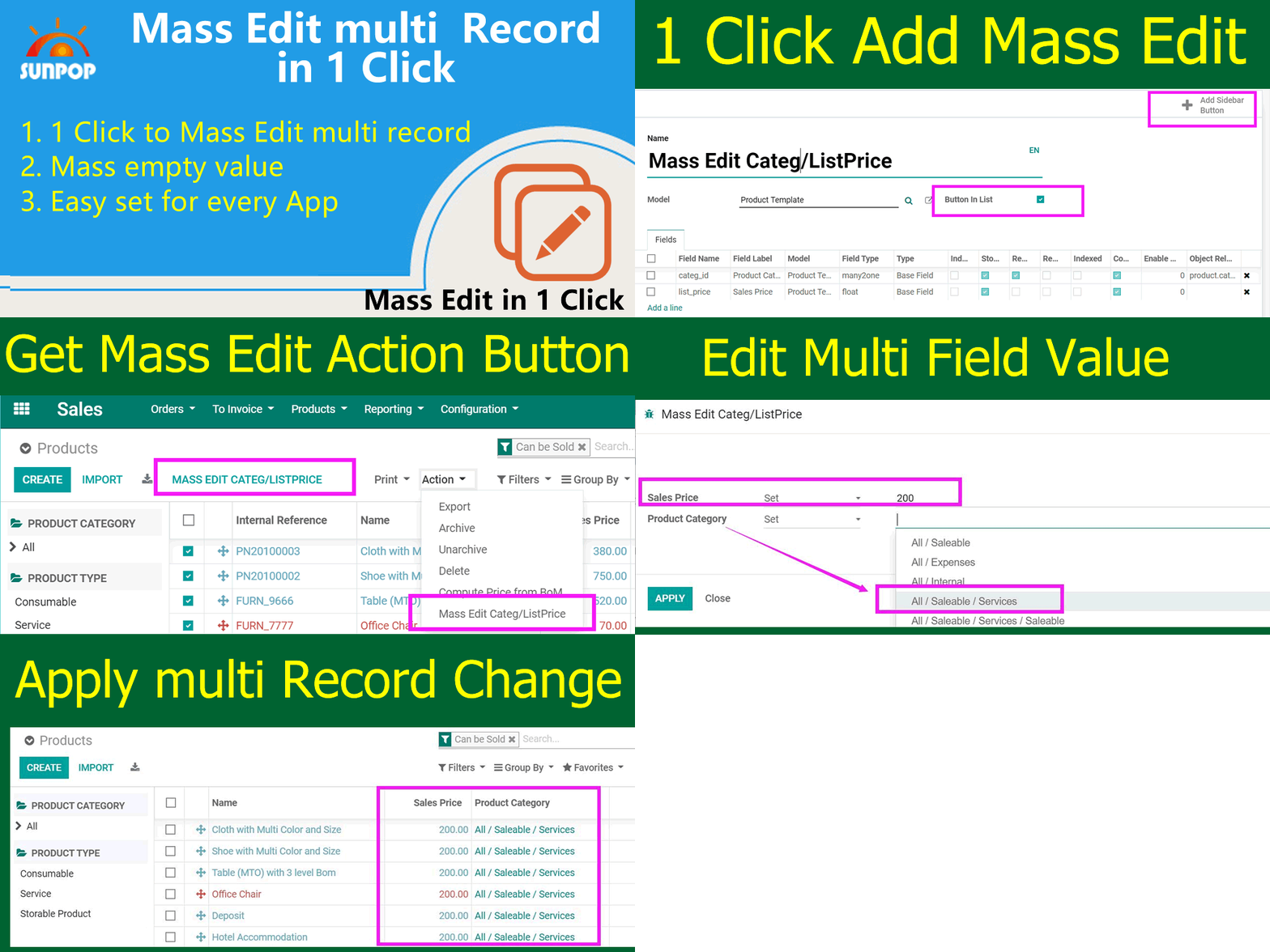
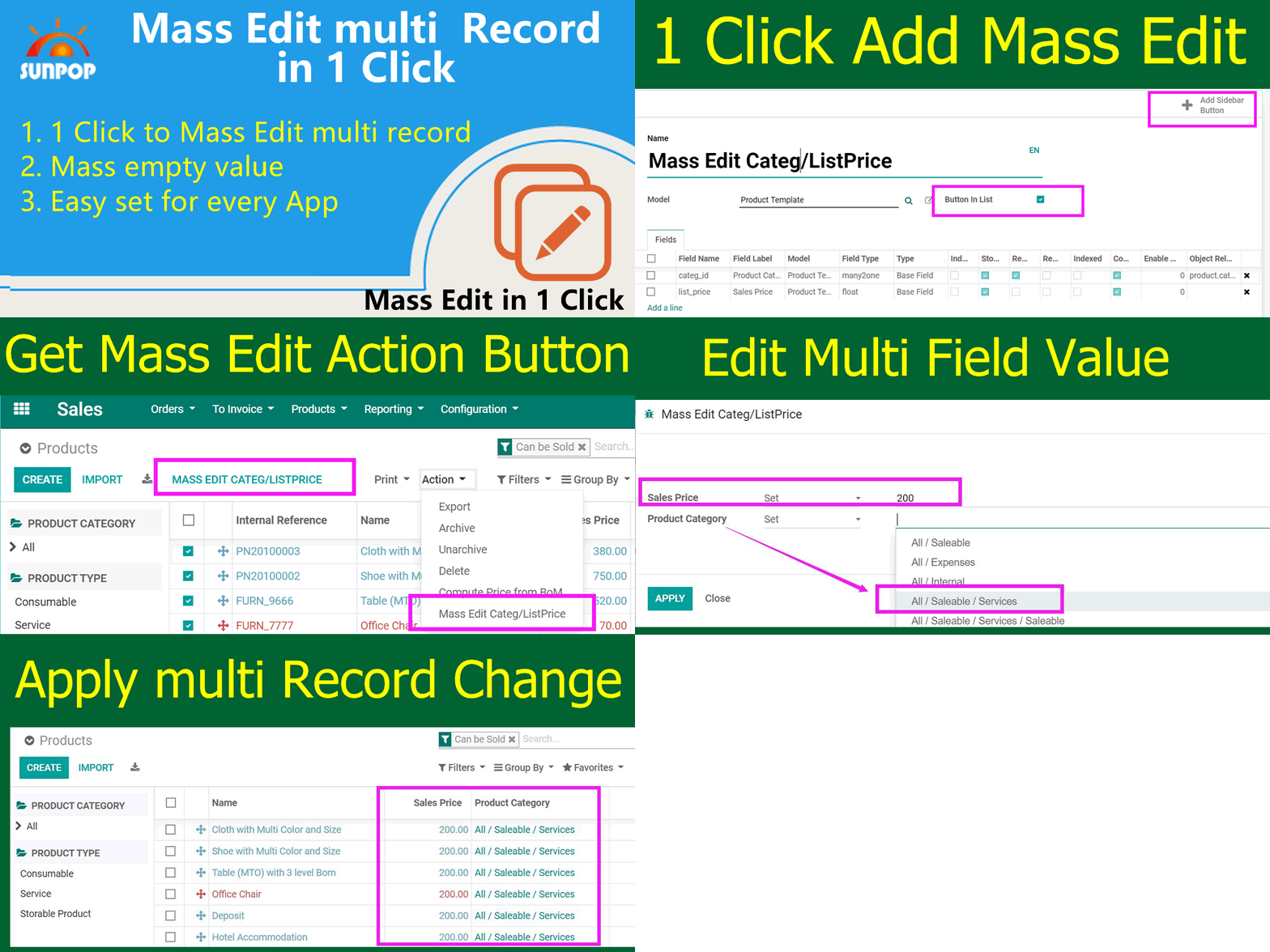
We can configure mass editing from Menu: Settings -> odooAi -> Mass Editing

Mass editing configuration

勾选"Button in list"显示按钮

You can check 'Button in list' if you want to show a button. Then Click on "Add Sidebar Button"

Button in list configuration

模型视图中的批量编辑按钮

Then go to the model view, like 'Product' we set. we can get the mass edit button and action

Mass edit button in model view

批量设置字段值

We can easy set Category and price for multi record.

Set category and price

批量清空字段值

Or we can easy remove the value of multi record.

Remove value of multi record

多语言支持

Multi-language Support

中文界面示例

Sample: UI and message in Chinese

Chinese UI sample

使用流程

配置批量编辑

Configure Mass Edit

选择字段

Select Fields

列表中选择记录

Select Records

一键应用

Apply in 1 Click

支持与依赖模块

  • 网页基础框架
  • 公共模块
  • Odoo定制增强
Banner

odooai.cn

Professional Odoo Solutions

Website: www.odooai.cn

Demo: demo.odooapp.cn

Support: odoo@china.com

QR Code

规格

版本 20.0, 19.0, 18.0, 17.0, 16.0, 15.0, 14.0, 13.0, 12.0