

Skip to Content
Product Icon

Google Bard Ai for odoo ai center, 谷歌Ai支持

Technical Name:
app_ai_bard
License:
LGPL-3
Lines of code:
1,565
Code Value:
¥ 187.80
Follow Odoo's public price policy, The code valuation is $12.00 per 100 line code. Here we only get code line of this app. Depends is included.
Here we only get code line of this app. Depends is included. Total line of Source Code. Including .py, .js, .css and xml file.
¥ 1.00 ¥ 0.00
Coupon: 中国区9折 会员赠积分 VIP专享
326
  • Version
App Icon

谷歌Gemini AI支持 / Google Gemini (Bard) AI for Odoo

Odoo AI中心集成Google Gemini AI / Google Gemini AI Integration for Odoo AI Center

在Odoo中直接与Google Gemini AI对话,支持多AI机器人、Azure OpenAI、评价训练、黑白名单
Chat with Google Gemini AI in Odoo, multi-robot support, Azure OpenAI, evaluation training, whitelist/blacklist

Odoo 18 企业版与社区版 / Enterprise & Community 多公司 / Multi-Company 多语言 / Multi-Language

功能概述 / Overview

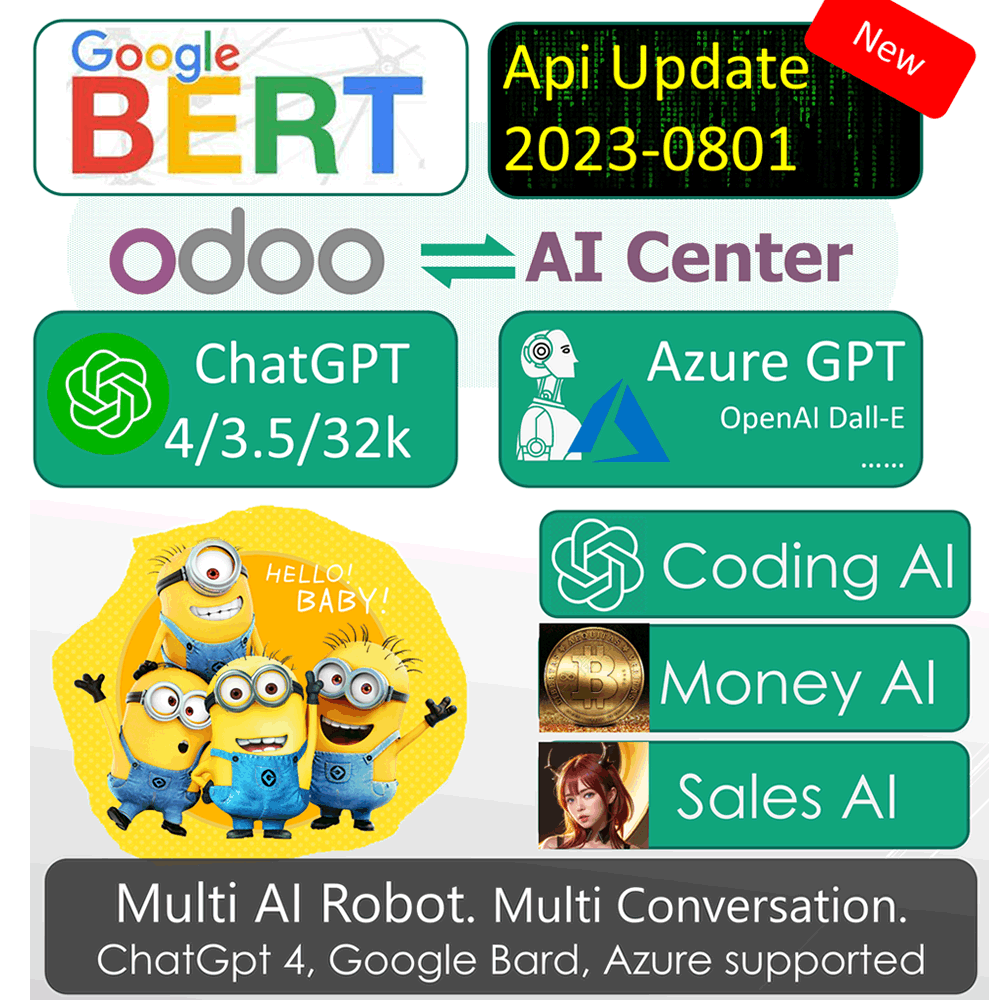
本模块为 Odoo AI Center 添加 Google Gemini(原 Bard)AI 支持。集成多种 AI 机器人(Google Gemini、Azure AI、ChatGPT 4/3.5/3、DALL-E),支持将 AI 绑定到用户进行对话或群聊、黑白名单控制、新用户体验时间设置、AI 响应评价训练、同步/异步模式切换、敏感词过滤。

This module adds Google Gemini (formerly Bard) AI support to Odoo AI Center. Integrates multiple AI robots (Google Gemini, Azure AI, ChatGPT 4/3.5/3, DALL-E). Supports AI binding to users for chat or group chat, whitelist/blacklist, demo time setup, evaluation training, sync/async mode, sensitive words filter.

完整功能列表 / Complete Feature List

  • 1. 多ChatGPT OpenAI机器人连接器,支持对话与训练
    Multi ChatGPT OpenAI robot Connector. Chat and train.
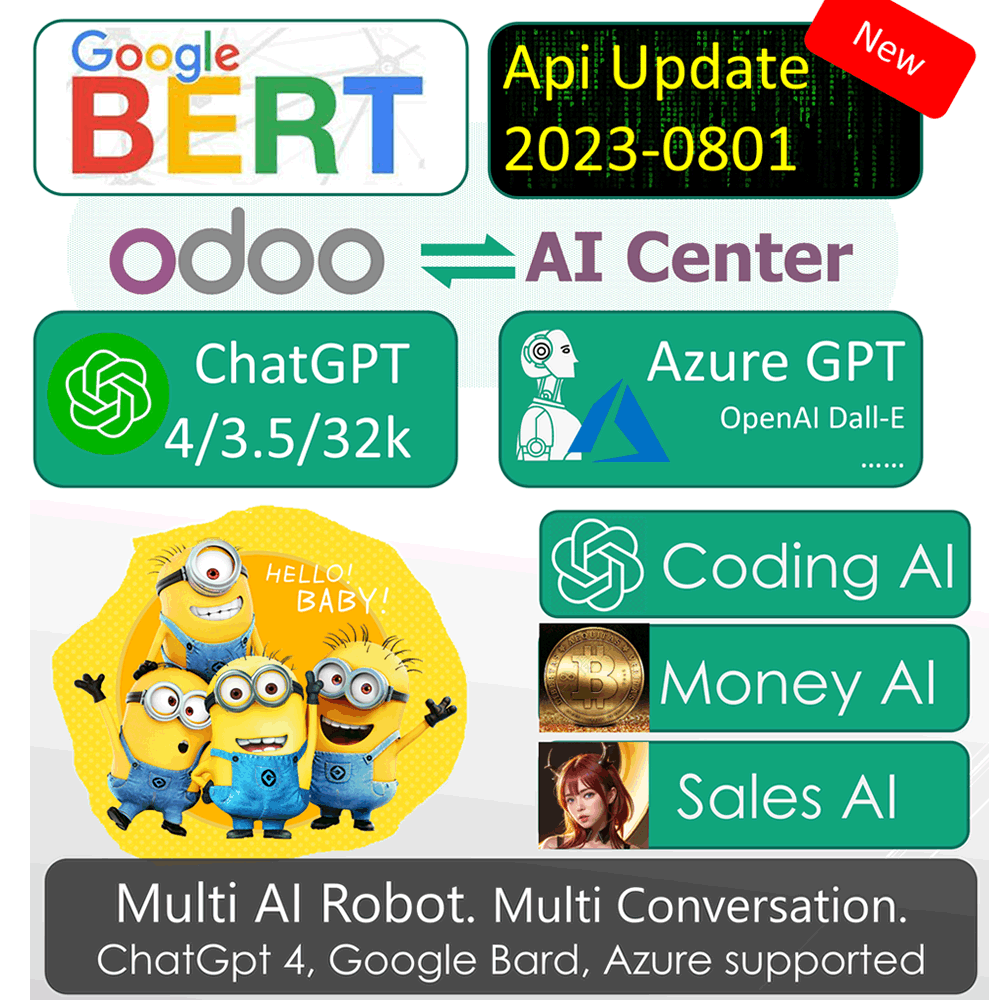
  • 2. 多AI支持:Google Bard AI、Azure AI、ChatGPT 4、3.5 Turbo、3 Davinci、2 Code、DALL-E图片
    Multi AI support including Google Bard AI, Azure AI, ChatGPT 4, 3.5 Turbo, 3 Davinci, 2 Code, DALL-E Image.
  • 3. 绑定ChatGPT API到用户,可对话机器人用户或使用AI频道群聊
    Bind ChatGPT API to user for robot chat or group AI channel.
  • 4. ChatGPT白名单与黑名单
    White and black list for ChatGPT.
  • 5. 为新用户设置体验对话时间
    Setup demo chat time for every new user.
  • 6. 轻松启动和停止ChatGPT
    Easy start and stop ChatGPT.
  • 7. 评价AI机器人回复,优化响应质量(训练)
    Evaluation the AI robot to make better response. This training.
  • 8. 连接Microsoft Azure OpenAI服务
    API support for Microsoft Azure OpenAI Service.
  • 9. 支持同步或异步AI响应模式
    Set synchronous or asynchronous mode for AI response.
  • 10. 敏感词过滤设置
    Filter sensitive words setup.

核心亮点 / Key Highlights

一站式AI中心,多AI机器人集成 / One-Stop AI Center with Multi-Robot Integration

1. Google Gemini集成 / Google Gemini Integration

Bard AI Connector

Odoo中直接使用Google Gemini(Bard)AI进行对话

2. 多AI机器人 / Multi AI Robots

GPT-4, Azure, DALL-E

同时集成多种AI模型,通过Odoo IM直接对话

3. 评价训练 / Evaluation Training

Improve AI Response

评价AI回复质量,标记好/差回答持续优化

通用特性 / General Features

多语言与多公司
Multi-Language & Multi-Company

完整的多语言翻译支持,适配全球化企业部署。原生多公司架构,数据严格隔离。

全版本兼容
Full Version Support

支持 Odoo 19, 18, 17, 16, 15, 14, 13, 12,EE/CE/.SH,兼容企业版、社区版及在线 SaaS。

代码完全开源
Full Open Source

基于 LGPL-3 协议开源,代码透明可审计,支持二次开发与定制。

界面截图 / Screenshots

核心功能界面一览

Add Google Bard Support / 添加Google Bard支持

Google Bard Support

Add More AI Support / 更多AI支持

Add More AI Support

Apply Bard API from Google / 从Google申请Bard API

Apply Bard API

Setup Your Own API Key / 设置自己的API Key

Setup API Key

Easy Chat with AI Robot / 轻松与AI机器人对话

Easy Chat with AI Robot

Multi ChatGPT Robot Connector / 多ChatGPT机器人连接器

Robot Connector Setup

Multi Model Selection / 多模型选择

Multi Model Selection

Bind AI Robot to User / 绑定AI机器人到用户

Bind Robot to User

AI Pool with Multiple Robots / AI机器人池

AI Pool

Black List and Demo Time / 黑名单与体验时间

Black List and Demo Time

Easy Start and Stop ChatGPT / 轻松启停ChatGPT

Start and Stop ChatGPT

Chat with Several Robots / 同时与多个机器人对话

Chat with Several Robots

Evaluation AI Response / 评价AI回复

Evaluation AI Response

Azure OpenAI Service / Azure OpenAI服务

Azure OpenAI Service

Sync and Async Mode / 同步与异步模式

Sync and Async Mode

使用流程 / How It Works

安装模块

Install Module

配置API

Setup API Key

绑定用户

Bind to User

开始对话

Start Chatting

支持与依赖模块 / Supported & Dependent Modules

  • app_chatgpt / ChatGPT AI基础模块
Banner

odooai.cn

专业Odoo服务伙伴-开发实施咨询培训全套解决方案 / Professional Odoo Solutions

Website: www.odooai.cn

Demo: demo.odooapp.cn

Support: odoo@china.com

QR Code

Specifications

Version 20.0, 19.0, 18.0, 17.0, 16.0, 15.0