

Skip to Content
Product Icon

User Doc, Developer Doc of Odoo. My odoo document. odoo用户手册,开发手册大全

Technical Name:
app_odoo_doc
License:
OPL-1
Lines of code:
3,371
Code Value:
¥ 3,236.16
Follow Odoo's public price policy, The code valuation is $12.00 per 100 line code. Here we only get code line of this app. Depends is included.
Here we only get code line of this app. Depends is included. Total line of Source Code. Including .py, .js, .css and xml file.
¥ 0.00 ¥ 0.00
Coupon: 中国区9折 会员赠积分 VIP专享
4,230
  • Version
App Icon

odoo User Doc & Developer Doc

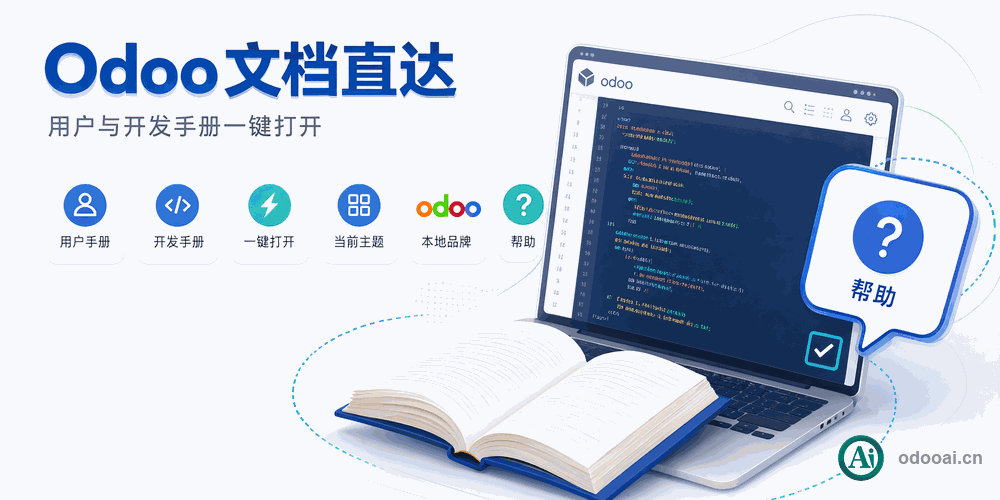
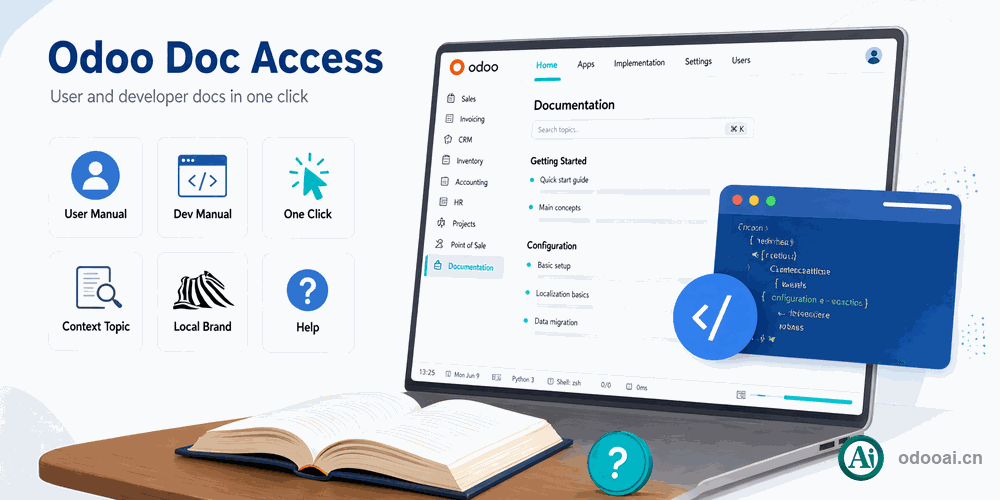
1-Click Access to Odoo Documentation In-App

Access comprehensive Odoo user and developer documentation with one click. Features local branding, configurable doc server URL, and covers all Odoo modules.

Odoo 20 Enterprise & Community Multi-Company Multi-Language

Overview

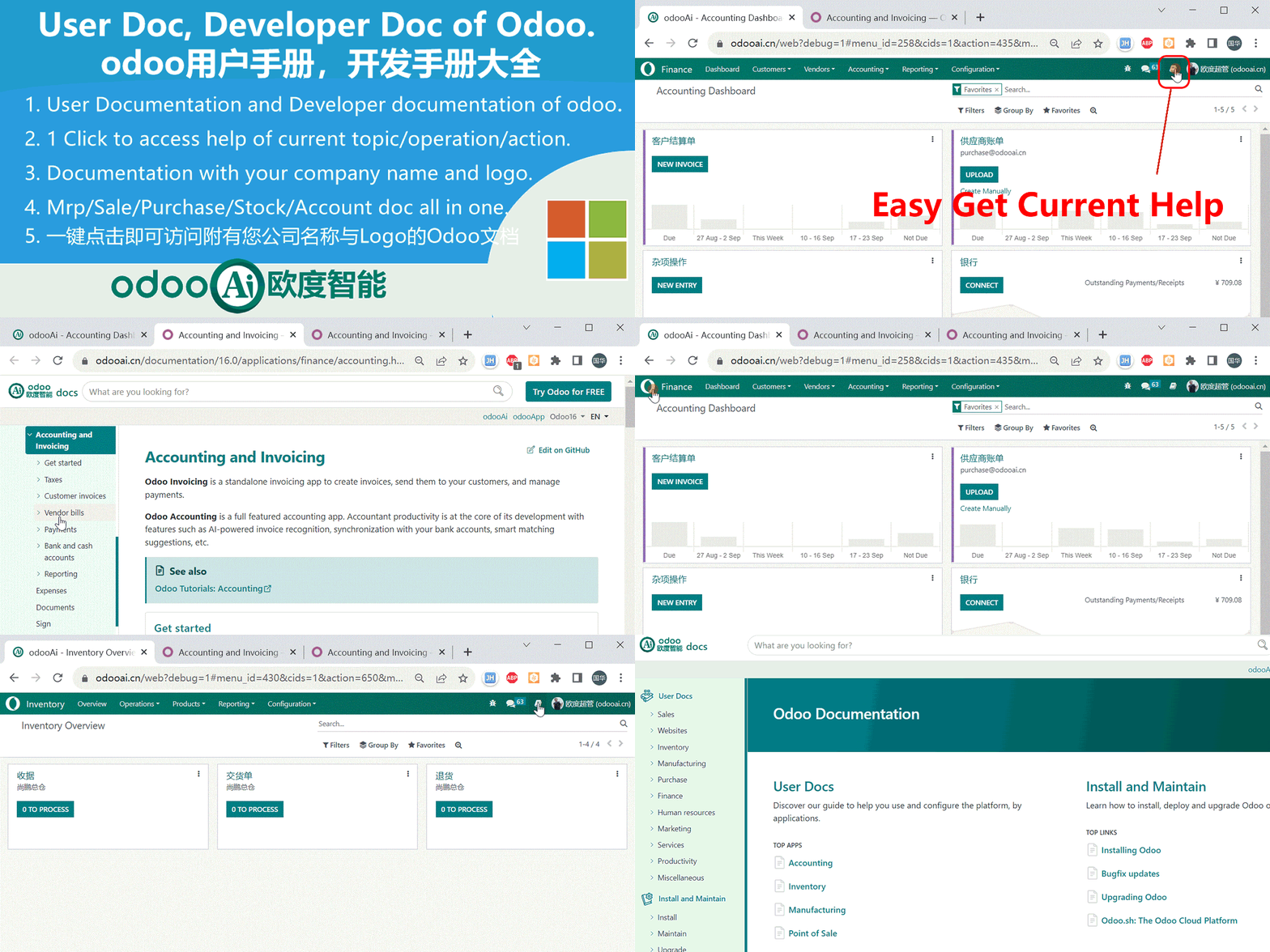
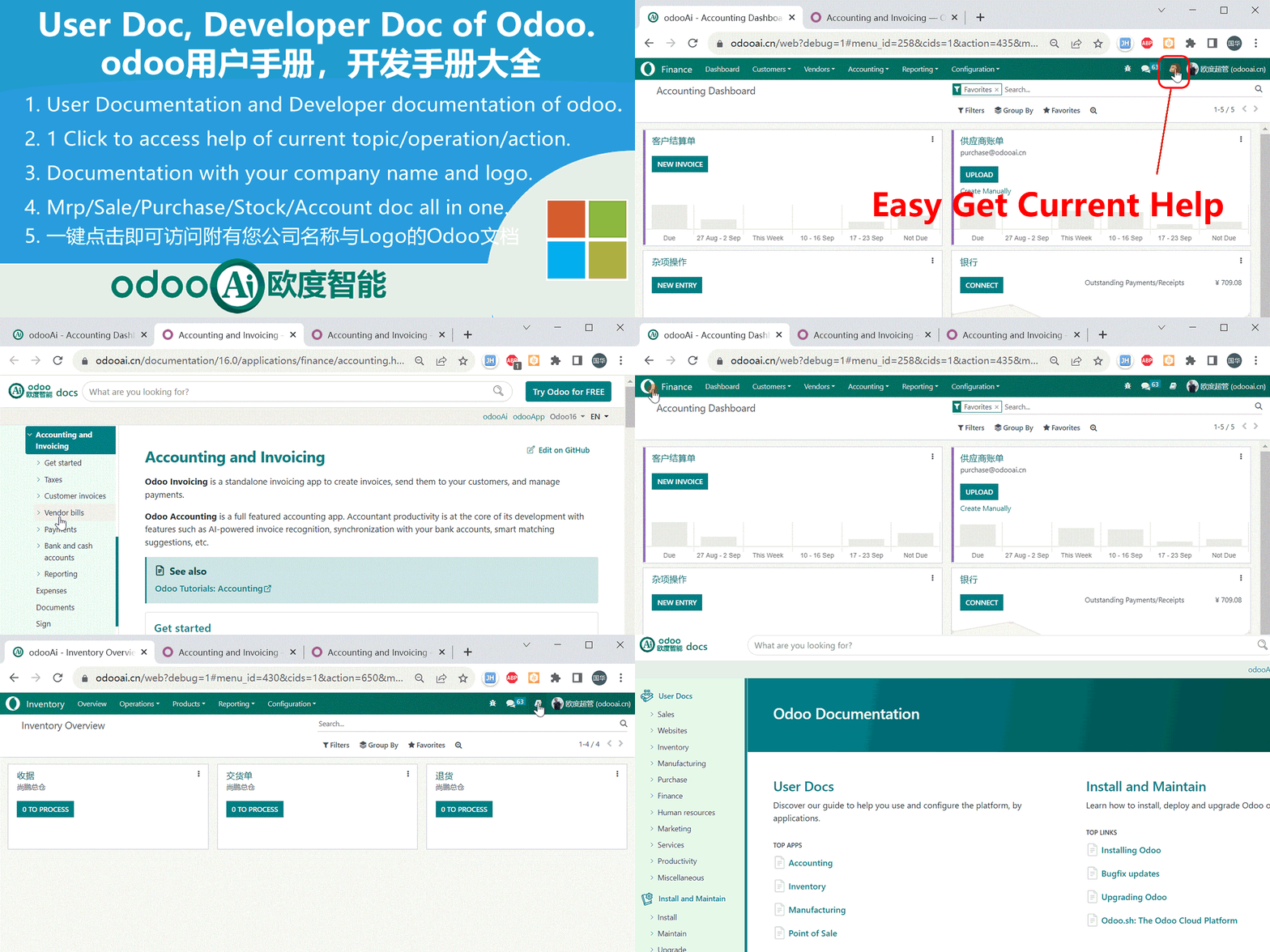
User and developer documentation inside Odoo, with one-click access to the help of the screen you are working on. Documents can carry your company name and logo, the documentation server address is configurable, and MRP, Sales, Purchase, Stock and Accounting documentation is included. A systray icon gives quick access, and the app kanban menu has a View Help action.

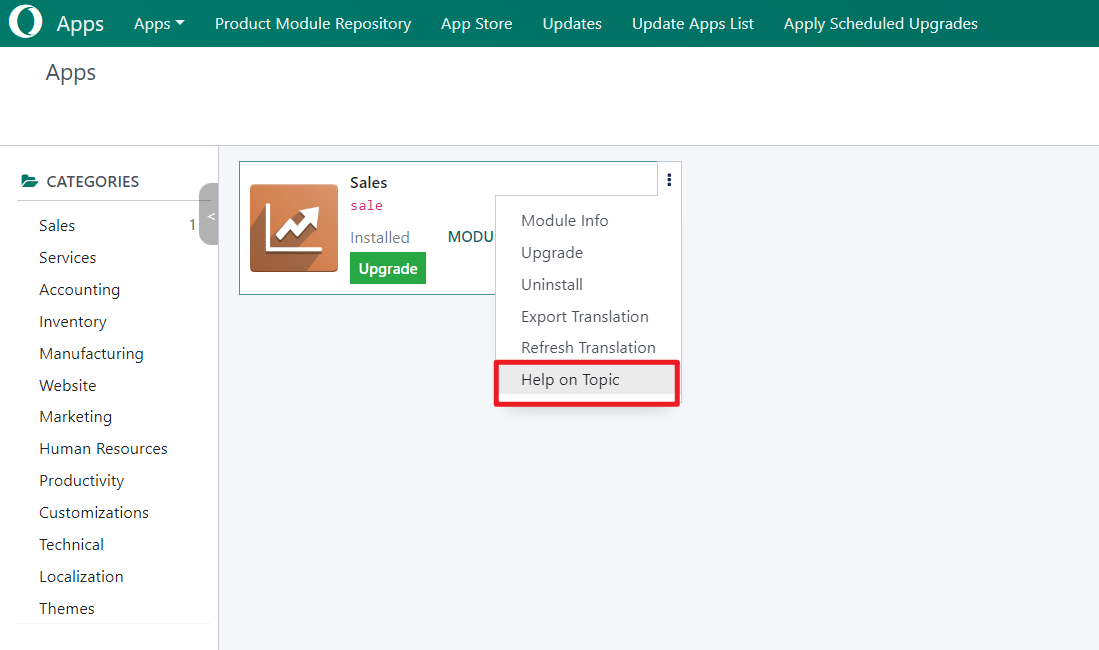
Comprehensive Odoo user and developer documentation accessible in-app with one click. Features local branding with company logo, configurable documentation server URL, and covers all Odoo modules including MRP, Sales, Purchase, Stock, and Accounting. The systray icon provides instant help access, and the module kanban dropdown offers a "Help on Topic" action.

Complete Feature List

Preserved original feature descriptions

  • 1. User Documentation and Developer documentation of Odoo.
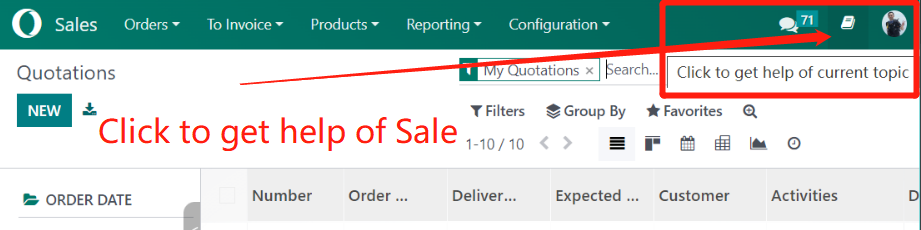
  • 2. 1 Click to access help of current topic, current operation, current action.
  • 3. Documentation with your company name and logo.
  • 4. Mrp doc, Sale doc, purchase doc, stock doc, account doc all in one.
  • 11. Multi-language Support. Multi-Company Support.
  • 12. Support Odoo 18,17,16,15,14,13,12, Enterprise and Community and odoo.sh Edition.
  • 13. Full Open Source.

Key Highlights

1-Click Odoo Docs Access with Local Branding

1. User & Developer Docs

Odoo Documentation

Odoo user and developer documentation for all core modules, always at hand.

1-Click Context Help

Instant Topic Help

The systray icon opens the help of the current topic, operation or menu.

3. Local Branding

Company Logo & Name

Documentation pages show your company name and logo, so the help keeps your branding.

4. All-in-One Docs

MRP, Sale, Purchase, Stock, Account

MRP, Sales, Purchase, Stock and Accounting documentation in one place.

5. Configurable Doc URL

Self-hosted or Remote

Configure the documentation domain: host it on your own server or use the odooai.cn documentation server.

6. Kanban Help Action

Quick Access from Module List

The app kanban menu offers a View Help action that opens the matching document.

General Features

Multi-Language & Multi-Company

Full multi-language translation support for global deployments. Native multi-company architecture with strict data separation.

Full Version Support

Supports Odoo 20, 19, 18, 17, 16, 15, 14, 13, 12, Enterprise, Community and odoo.sh.

Full Open Source

Released under LGPL-3. The source code is open, auditable and ready for further customization.

Screenshots

A quick look at the main screens

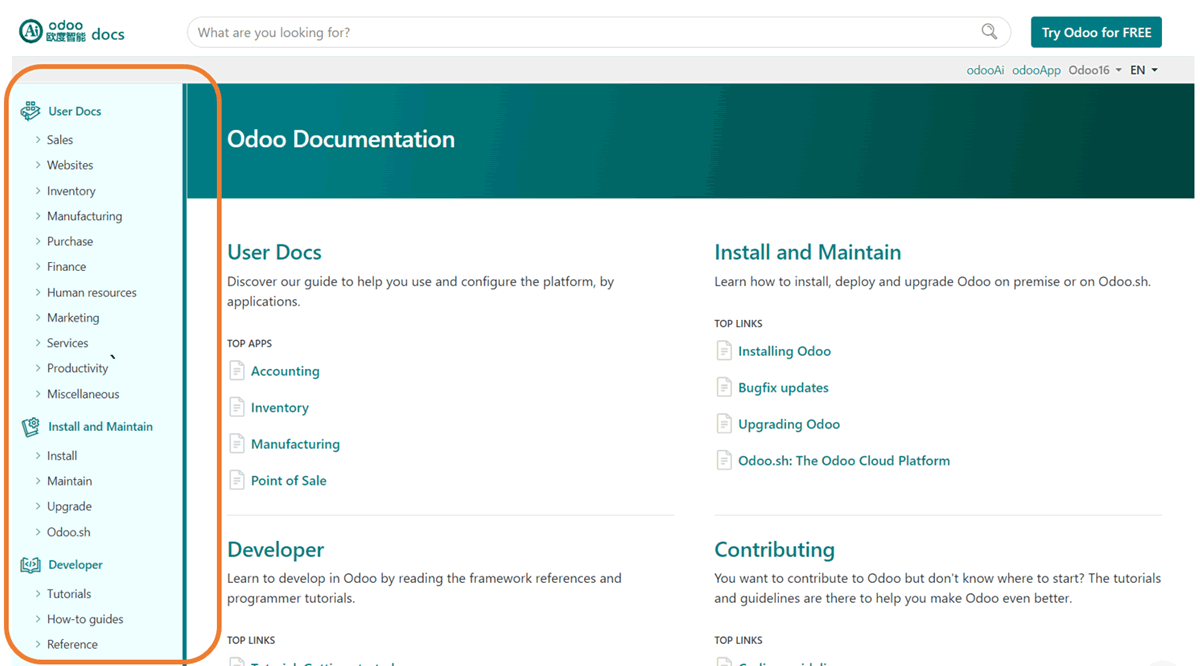
odoo User & Developer Doc Demo

odoo User Developer Doc Demo

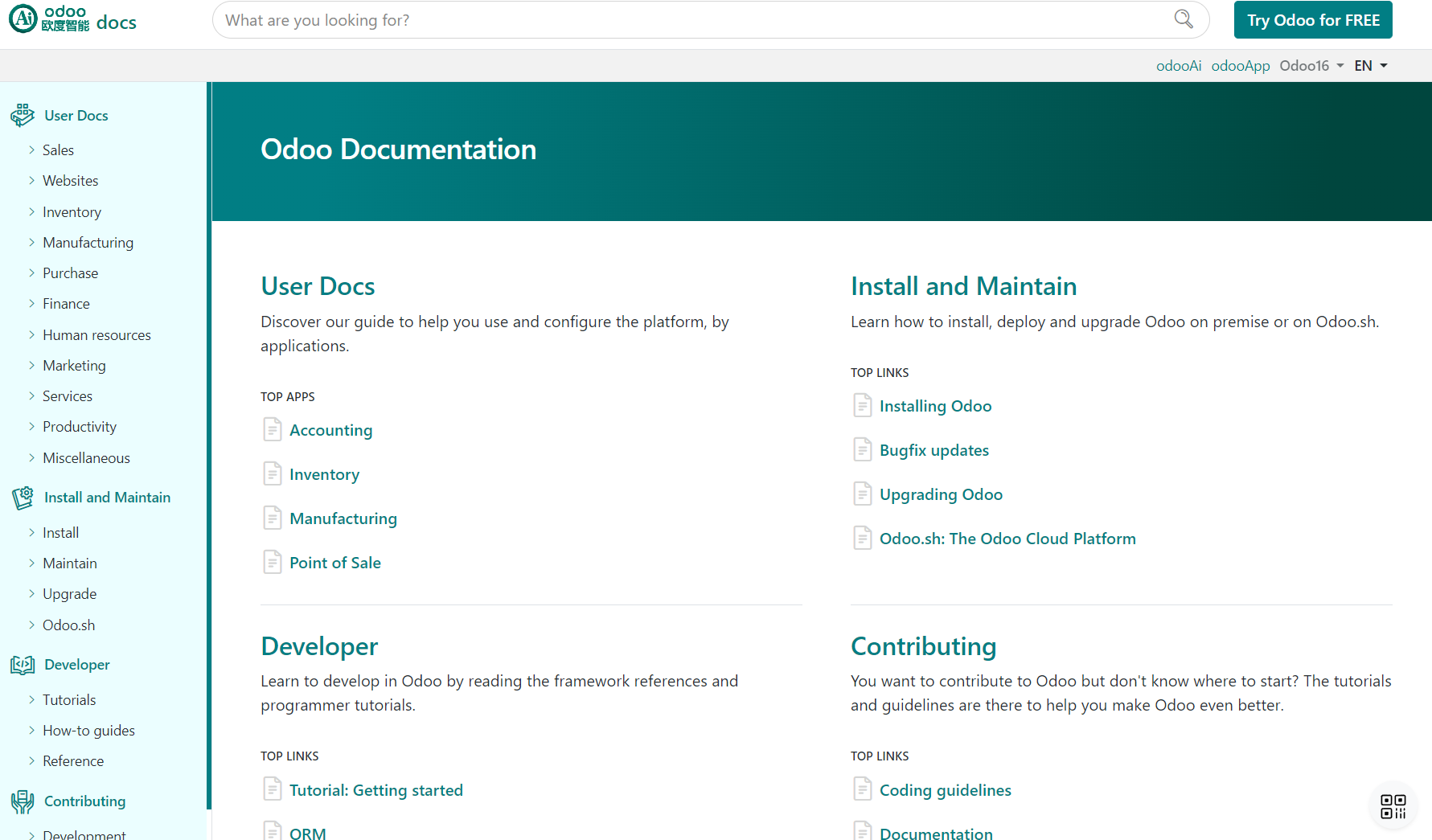
4990+ Odoo Help Docs in Local, Quick Access

4990 Odoo Help Docs in Local

1-Click Access to Current Topic Help

1-Click Access to Current Topic Help

Easy Set Help of Every App

Easy Set Help of Every App

View and Edit Help Path

View and Edit Help Path

Documentation with Your Company Name and Logo

Documentation with Your Company Name and Logo

Multi-language Support

Multi-language Support

How to Use: Configure Doc Server

How to Use Configure Doc Server

Demo1

Demo1

Demo2

Demo2

Demo3

Demo3

Demo11

Demo11

Banner1

Banner1

How It Works

Install Module

Configure Doc URL

Click Doc Icon

View Current Help

Supported & Dependent Modules

  • web
  • app_odoo_customize
Banner

odooai.cn

Professional Odoo Solutions: Development, Implementation, Consulting & Training

Website: www.odooai.cn

Demo: demo.odooapp.cn

Support: odoo@china.com

QR Code

Specifications

Version 20.0, 19.0, 18.0, 16.0