


Skip to Content
Product Icon

Printing Ent.印刷包装业行业移动端条码应用扩展

Technical Name:
app_printing_ent
This module requires Odoo Enterprise Edition.
License:
OPL-1
Included Dependencies [44]:
Lines of code:
5,393
Code Value:
¥ 647.16
Follow Odoo's public price policy, The code valuation is $12.00 per 100 line code. Here we only get code line of this app. Depends is included.
Here we only get code line of this app. Depends is included. Total line of Source Code. Including .py, .js, .css and xml file.
¥ 13,351.00 ¥ 999.00
Coupon: 中国区9折 会员赠积分 VIP专享
  • Version
App Icon

Printing Barcode Extension

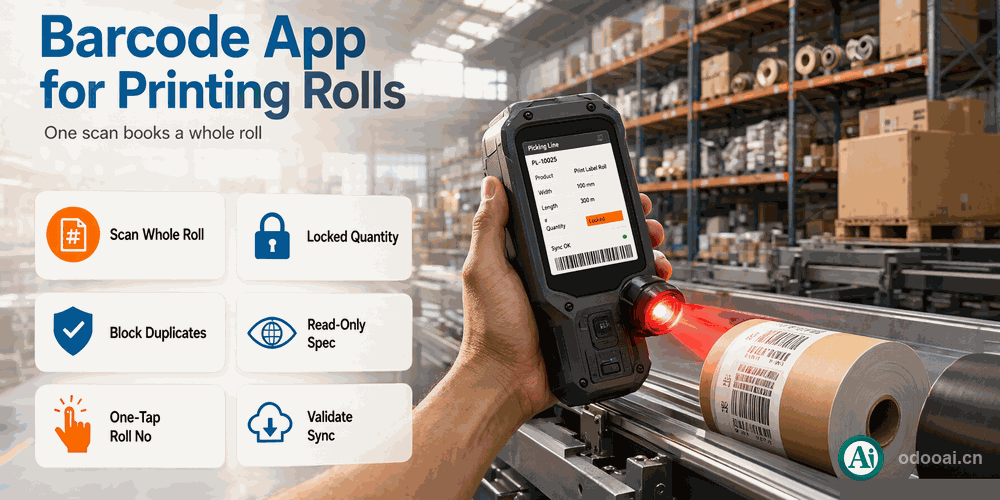
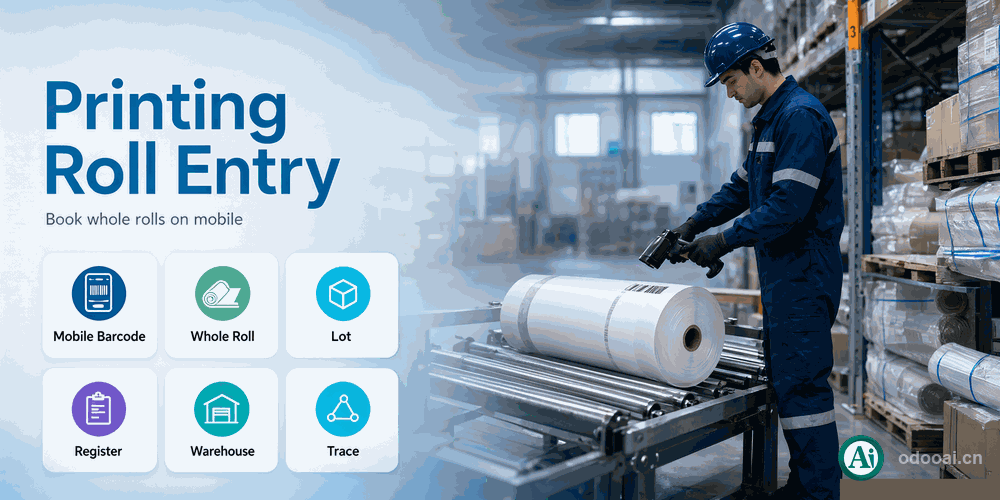
Book whole printing rolls on the mobile barcode screen

Adapts the barcode operation screen to roll-based material.
One scan of a lot books the whole roll instead of adding a single unit; scanning the same lot twice is blocked and the offending line is scrolled into view.

Odoo 18 Enterprise & Community Multi-Company Multi-Language

Overview

Adapts the barcode operation screen to roll-based material. One scan of a lot books the whole roll instead of adding a single unit; scanning the same lot twice is blocked and the offending line is scrolled into view. Roll lines hide the increment buttons and keep quantity read-only, incoming operations accept a mother roll number per line, and validation first resyncs with the backend, which recomputes quantity from width and length.

Built on the official barcode app (stock_barcode); Odoo Enterprise required.

Complete Feature List

  • 1. One lot scan books the whole roll quantity
    updateLine in BarcodePickingModel
  • 2. Duplicate lot scans are blocked and the line is scrolled into view
    _findLine
  • 3. Increment and decrement buttons hidden on roll lines
    getDisplayIncrementBtn
  • 4. Quantity read-only with the numeric pad hidden
    qty_done readonly=is_customized
  • 5. Mother roll number entered per line and saved with the picking
    mjh on stock.move.line
  • 6. One tap copies the lot name into the roll number
    setLineMjh / batchSetLineMjh
  • 7. Read-only width x length specification on every line
    prod_spec
  • 8. Reserved lot lines are reused instead of duplicated
    _createCommandVals
  • 9. Pre-validate resync warns when width or length changed
    _validate
  • 10. Server recomputes quantity and rejects duplicate lots on done
    _action_done

Key Highlights

What this module changes in daily work

1. Scan Whole Roll

One scan, one roll

Scanning a lot books its whole quantity at once instead of accumulating single units.

2. Duplicate Blocked

Jump to the line

A second scan of the same lot is rejected and the matching line is scrolled into view.

3. Locked Quantity

Read-only quantity

Roll lines keep quantity read-only; increment buttons and the numeric pad are hidden.

4. Roll Number

Enter or one-tap

Enter the mother roll number per line, or copy the lot name into it with one tap.

5. Validate Sync

Resync before validate

Before validation the mobile lines are fetched again, so backend changes to width or length are surfaced.

6. Read-Only Spec

Width x length on the line

Each line shows the width x length specification so operators see which roll they are holding.

General Features

Multi-Language & Multi-Company
Built for global teams

Full multi-language translation support for global deployments. Native multi-company architecture with strict data isolation.

Full Version Support
Odoo 12 to 19

Works with Odoo 19,18,17,16,15,14,13,12, EE/CE/.SH, compatible with Enterprise, Community and Odoo Online SaaS.

Full Open Source
LGPL-3 licensed

Released under LGPL-3. Transparent, auditable code, open for further development and customization.

How It Works

Open the barcode screen

On a receipt or production order

Scan product and lot

Whole-roll quantity filled in

Add the roll number

One-tap copy available

Validate

Server recomputes from width and length

Supported & Dependent Modules

  • stock_barcode
  • app_printing_base
Banner

odooai.cn

Professional Odoo Solutions: Development, Implementation, Consulting & Training

Website:www.odooai.cn

Demo:demo.odooapp.cn

Support:odoo@china.com

QR Code

Specifications

Version 20.0, 18.0